
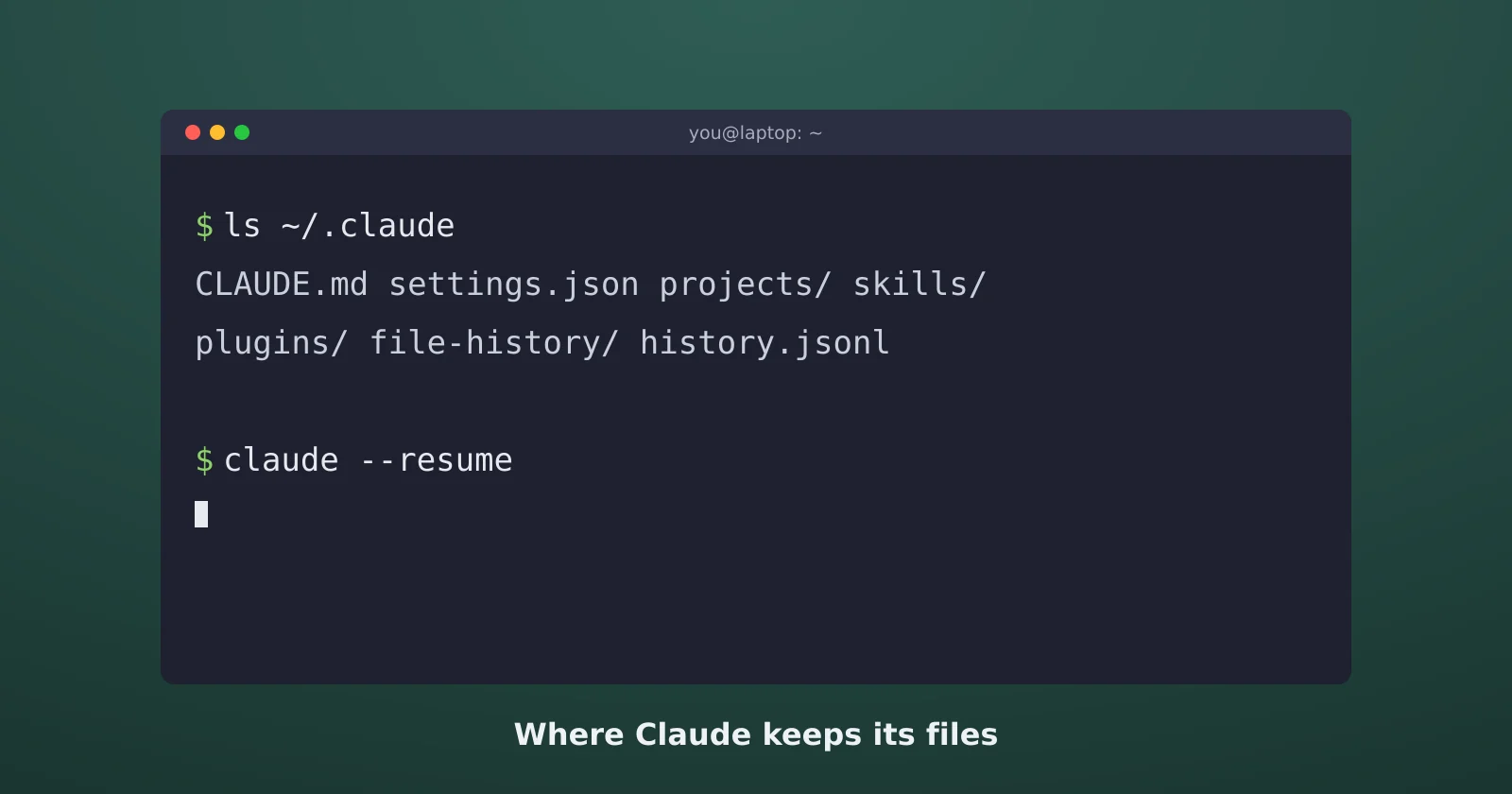
Sooner or later you need to find a file Claude Code wrote: a log for a bug report, the settings file a guide told you to edit, or last week's session. This guide maps where everything lives on Windows, macOS, and Linux, using Anthropic's documentation on the .claude directory, and notes one place where Windows installs don't match the docs.
The ~/.claude folder
Almost everything Claude Code keeps is in a folder called .claude in your home directory. On macOS and Linux that's ~/.claude. On Windows it's %USERPROFILE%\.claude, which usually means C:\Users\yourname\.claude. If you've set the CLAUDE_CONFIG_DIR environment variable, everything moves there instead.
The files you'll actually touch:
settings.json: your personal settings for every project. Claude Code creates it the first time you change an option in/configthat it stores there, like the theme.CLAUDE.md: personal instructions that load in every project.agents/,skills/, andcommands/: your own subagents, skills, and older-style slash commands.plugins/: installed plugins and cloned marketplaces.projects/: one folder per project, holding that project's session transcripts and memory.file-history/: snapshots of files before Claude edited them, used by checkpoints and /rewind.history.jsonl: the prompts you've typed, with a timestamp and project path.
Next to the folder, not inside it, there's ~/.claude.json. The docs describe it as app state, OAuth, UI toggles, and personal MCP servers. Don't hand-edit it unless you know what you're changing.
Project files
Each project can have its own .claude folder at the repo root. .claude/settings.json is shared settings meant to be committed so your team gets them. .claude/settings.local.json is your personal override for that one project, and Claude Code keeps it out of git when it creates the file. A CLAUDE.md at the repo root holds the project's instructions. The settings, hooks, and permissions guide covers what goes in each.
To see which settings files a session actually loaded, run /status. Its Status tab has a Setting sources line listing each one.
Session transcripts and memory
Every session is saved as a JSONL file at ~/.claude/projects/<project>/<session-id>.jsonl, per the sessions docs. The project folder name is your working directory path with every non-alphanumeric character turned into a dash, so C:\ becomes C--. The format is internal and changes between versions, so don't build scripts that parse it.
Two warnings from the docs. These files are plain text, and anything that passes through a tool ends up in them: file contents, command output, and pasted text. And transcripts aren't encrypted at rest. If you paste a password into a session, it's on disk.
Auto memory sits in the same place, at ~/.claude/projects/<project>/memory/, with a MEMORY.md index and one file per memory. The CLAUDE.md and auto memory guide explains how it gets used.
How long history is kept
Claude Code deletes old transcripts automatically. The setting is cleanupPeriodDays, the default is 30 days, and the minimum is 1. Setting it to 0 fails validation, so the settings reference suggests a large value like 3650 if you want to keep roughly ten years. The sweep is silent: a session older than the limit just stops appearing in the /resume picker.
Two exceptions. Sessions you started or last continued in the Claude desktop app or Cowork are kept at any age, and memory files are never swept.
To get back into a recent session, claude --continue reopens the latest one in the current folder, and claude --resume opens a picker. Sessions run with claude -p don't show up in either.
Claude Desktop logs and config
The desktop app keeps its own files. The MCP documentation lists the config file as %APPDATA%\Claude\claude_desktop_config.json on Windows and ~/Library/Application Support/Claude/claude_desktop_config.json on macOS, with logs in %APPDATA%\Claude\logs and ~/Library/Logs/Claude. mcp.log in that folder records MCP server connections and failures.
On Windows installs from the Microsoft Store or the packaged installer, those paths can be nearly empty. On a current packaged install, the config sits under %LOCALAPPDATA%\Claude-Data\ in a folder named after the app package, and the live logs are in %LOCALAPPDATA%\Claude\Logs, including main.log, mcp.log, and cowork_vm_node.log. Rather than hunting, use the app's menus: Help > Troubleshooting > Show Logs in File Explorer opens the right log folder, and Settings > Developer > Edit Config opens the right config file.
The Claude Code CLI doesn't read claude_desktop_config.json, per the desktop docs. MCP servers you add there show up in the desktop app's chat, not in a terminal session. The app also leaves a README in its data folder asking you not to delete or move anything there. Use Help > Troubleshooting > Reset App Data instead.
Checking, exporting, and cleaning up
/doctorchecks your installation, settings, extensions, and context use, and offers fixes. If Claude Code won't start at all, runclaude doctorfrom your shell, per the troubleshooting docs./exportsaves the current conversation as plain text.claude purgedeletes what Claude Code holds for one project, after showing you the full plan and asking you to confirm. Add--allfor every project. Before version 2.1.288 the command wasclaude project purge.- Don't delete
~/.claude.json,~/.claude/settings.json, or~/.claude/plugins/to "reset" things. Those hold your login, preferences, and plugins.
Sources
- Claude Code docs: The .claude directory, Sessions, Settings reference, Troubleshooting, and Desktop application
- Model Context Protocol docs: Connect to local MCP servers
- Packaged Windows install paths checked on Claude desktop 3.1623.1.0 in October 2026