
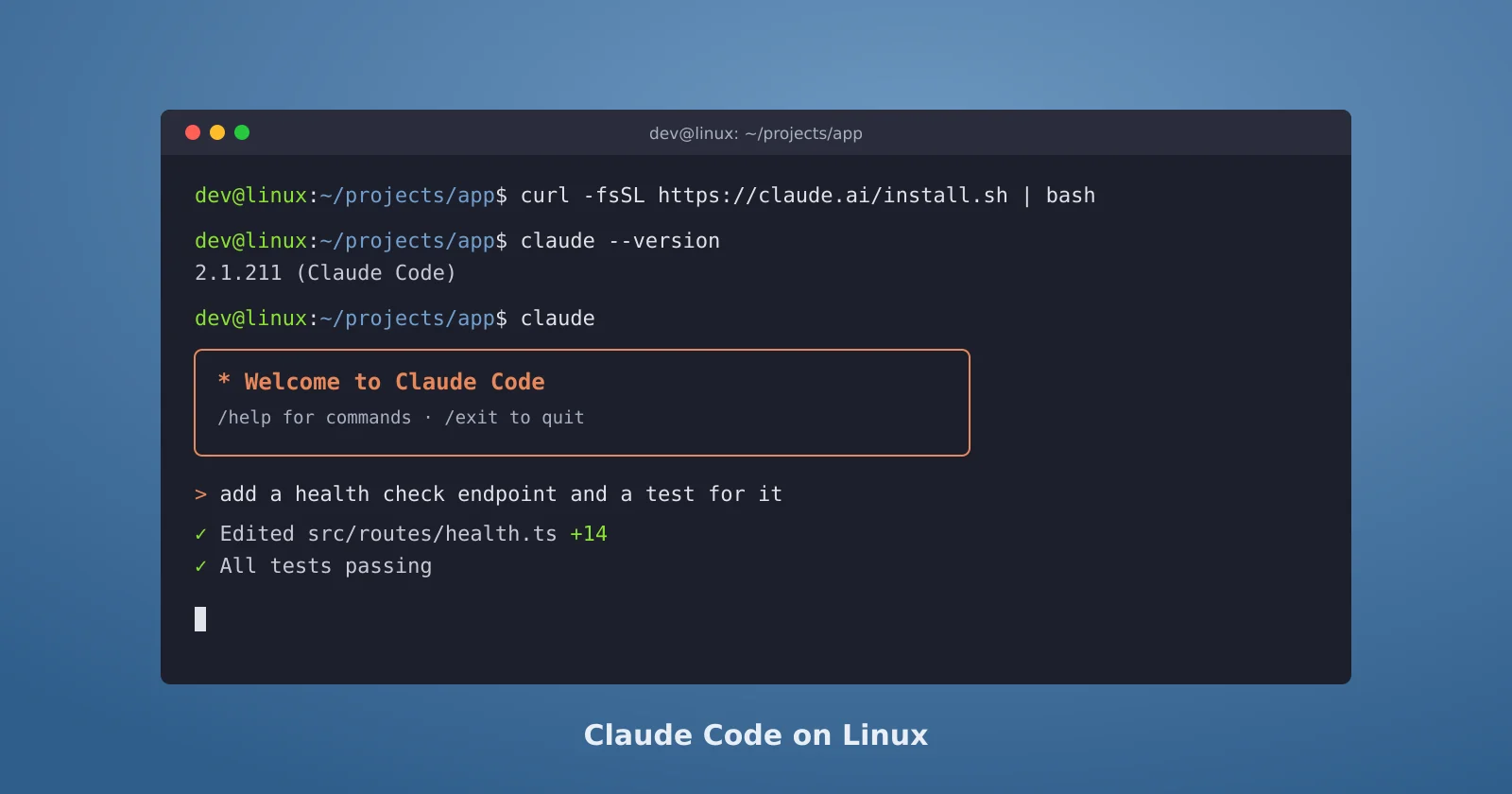
Claude Code runs natively on Linux, and it's the platform where the fewest things get in the way. There's no extra shell to install and only one PATH surprise, and features like the Bash sandbox are supported out of the box. This guide covers the install options, how updates work, and the handful of errors Linux users actually hit. The official reference is Anthropic's setup documentation.
What you need
Anthropic lists Ubuntu 20.04 or later, Debian 10 or later, and Alpine Linux 3.19 or later, with at least 4 GB of RAM on an x64 or ARM64 processor. Bash and Zsh both work. You also need a paid plan: Pro, Max, Team, Enterprise, or an Anthropic Console account. The free claude.ai plan doesn't include Claude Code.
Pick an install method
The native installer is the recommended route, and it's one line:
curl -fsSL https://claude.ai/install.sh | bashIt puts a launcher at ~/.local/bin/claude that points into ~/.local/share/claude/versions/, and native installs "automatically update in the background," so you rarely think about versions again.
If you'd rather manage it like any other system package, Anthropic publishes signed apt, dnf, and apk repositories. Each one has two channels: stable, which the docs describe as "typically about one week old, skipping releases with major regressions," and latest, which gets every release as soon as it ships. On Debian or Ubuntu, the stable channel looks like this:
sudo install -d -m 0755 /etc/apt/keyrings
sudo curl -fsSL https://downloads.claude.ai/keys/claude-code.asc \
  -o /etc/apt/keyrings/claude-code.asc
echo "deb [signed-by=/etc/apt/keyrings/claude-code.asc] https://downloads.claude.ai/claude-code/apt/stable stable main" \
  | sudo tee /etc/apt/sources.list.d/claude-code.list
sudo apt update
sudo apt install claude-code
Before trusting the key, check its fingerprint with gpg --show-keys /etc/apt/keyrings/claude-code.asc. It should be 31DDDE24DDFAB679F42D7BD2BAA929FF1A7ECACE. Package-manager installs don't update themselves through Claude Code, so upgrade with sudo apt update && sudo apt upgrade claude-code along with the rest of your system.
There's also an npm package, which needs Node.js 22 or later. The docs warn against one habit in particular: "Do NOT use sudo npm install -g as this can lead to permission issues and security risks."
Alpine and other musl systems
Alpine doesn't ship bash or curl, so the one-line installer fails until you add them. The docs list the packages needed to install and run it:
apk add bash curl libgcc libstdc++ ripgrepThen tell Claude Code to use the system ripgrep by setting USE_BUILTIN_RIPGREP to 0 in the env block of your settings.json.
Check it worked, and fix the PATH if it didn't
Run claude --version. A working install prints a version number like 2.1.211 (Claude Code). If you get bash: claude: command not found instead, ~/.local/bin isn't on your PATH. Add it to your shell config:
echo 'export PATH="$HOME/.local/bin:$PATH"' >> ~/.bashrc
source ~/.bashrc
Zsh users put the same line in ~/.zshrc. For anything else that looks wrong, claude doctor prints read-only diagnostics on the install and your settings without starting a session.
The errors Linux users actually hit
Anthropic's install troubleshooting page maps each message to a fix. The Linux-specific ones:
Killedduring install, orexit code 137: the machine ran out of memory. Free some up or add swap, which is common on small cloud servers.Error loading shared library: the wrong binary variant for your system, usually musl versus glibc.Illegal instruction: an architecture or CPU instruction set mismatch.cannot execute binary file: Exec format errorinside WSL: a known problem with WSL 1. Use WSL 2.claude updatehanging after "Checking for updates," orclaude doctorhanging with no output: the docs trace this to a directory sitting where a shell config file is expected.
Settings worth knowing on Linux
If you'd rather not be on the newest release every day, set the update channel in settings.json:
{
  "autoUpdatesChannel": "stable"
}
Linux is also one of the platforms where the built-in Bash sandbox works, along with macOS and WSL 2, so you can run with fewer permission prompts while keeping commands inside filesystem and network limits. Run /sandbox in a session to set it up.
To remove a native install later, delete the launcher and the versions folder:
rm -f ~/.local/bin/claude
rm -rf ~/.local/share/claude
Your settings and history live separately in ~/.claude, so removing the binary leaves those alone. If you're deciding between operating systems in the first place, we compared how Claude Code differs across Windows, macOS, and Linux.