
Claude just rewrote three files and broke the build, and you liked it better ten minutes ago. Claude Code has a built-in undo for exactly this. It's called checkpointing, and it works from the moment you start a session, with nothing to set up. This guide covers how to use it, the gaps it leaves, and how git covers those gaps. The reference is Anthropic's checkpointing documentation.
How checkpoints work
Before each prompt you send, Claude Code captures the state of your code. Each of those snapshots is a checkpoint. It keeps file snapshots for the 100 most recent checkpoints in a session, and because checkpoints are saved with the conversation, you can still rewind after closing and resuming a session. The snapshots are cleaned up with old sessions, by default about 30 days after a session last saved one.
Rewinding
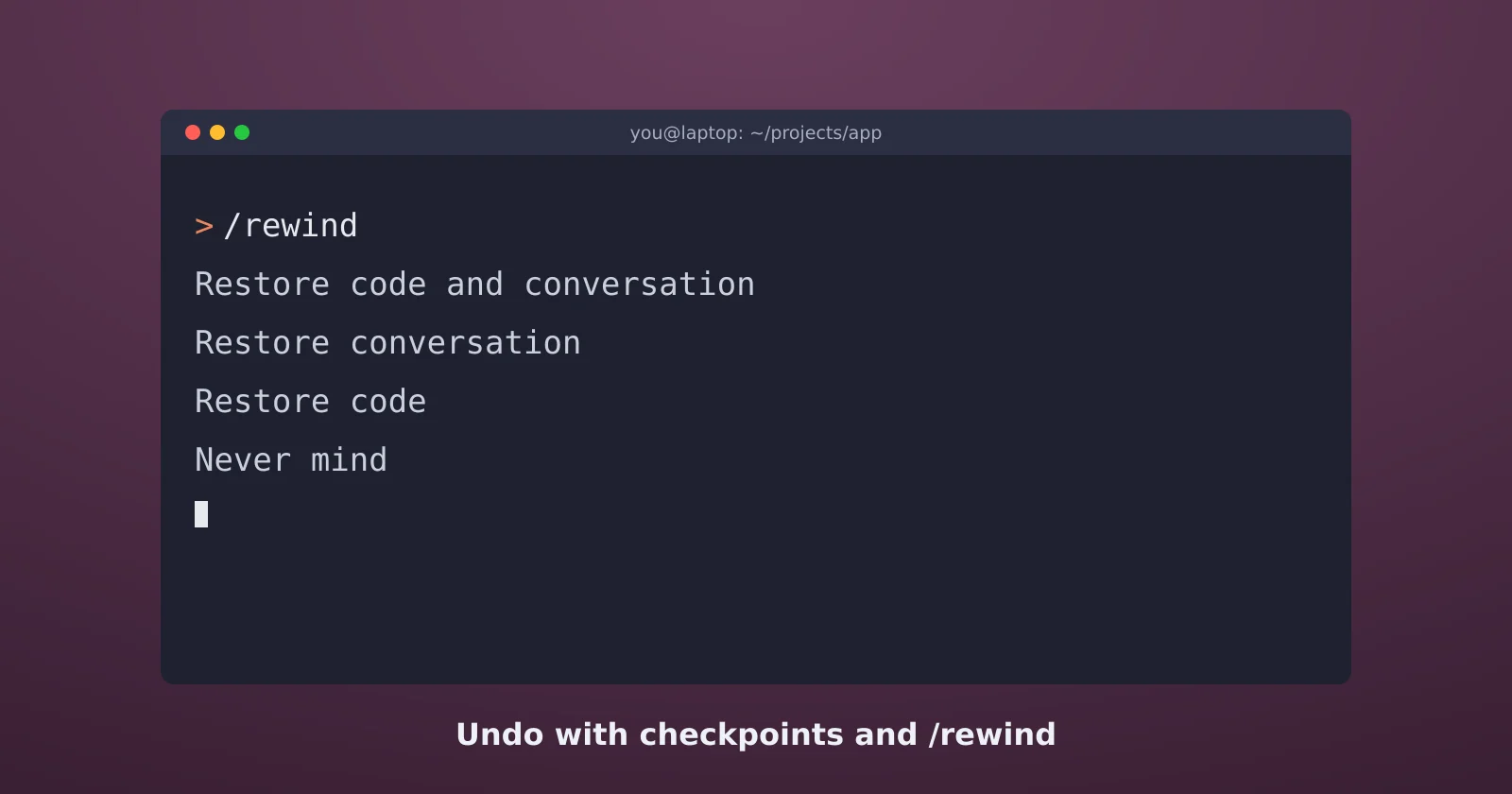
Type /rewind, or press Esc twice with an empty prompt, to open the rewind menu. The commands reference lists /checkpoint and /undo as aliases for the same thing. Pick the message you want to go back to, then choose what to restore:
- Restore code and conversation puts both back the way they were at that point. Use it when the whole direction was wrong.
- Restore conversation rewinds the chat but keeps your current files. Use it when the code is fine but the conversation went off track and is eating context.
- Restore code puts the files back and keeps the conversation. Use it when you want Claude to remember what it tried and why it failed.
- Summarize from here and Summarize up to here compress part of the conversation instead of deleting it.
- Never mind closes the menu.
Restore code is the underrated one. Rewinding everything makes Claude forget the failed attempt, and it'll often try the same thing again. Keeping the conversation means you can say "that broke the tests, try a different approach" and it knows what "that" was.
What checkpoints don't catch
Checkpoints track Claude's own file edits, and not much else. The docs list the gaps:
- Changes made by Bash commands. If Claude runs
rm,mv, a code formatter, a migration, or a script that writes files, rewind can't undo it. - Changes made outside the session. Edits you make by hand in your editor, and edits from another Claude session running at the same time, usually aren't captured.
- Subagent edits. When you rewind, edits a subagent made to other files stay where they are.
- Symlinked and hard-linked files. These aren't rewound.
- Anything outside your files. A database row Claude deleted, a package it installed, or a deploy it ran is gone no matter what you rewind.
Anthropic is direct about the scope: checkpoints are for quick, session-level recovery, and git is still the tool for permanent history.
Git is the real safety net
Commit before you hand Claude anything big. A clean working tree means git diff shows exactly what Claude changed, including everything Bash did, and git restore . or git stash gets you back no matter how the change was made. For larger work, ask Claude to do it on a new branch so main never sees a half-finished state.
Claude is good at git, so you can just ask: "commit what we have before you start" or "show me everything you changed since my last commit." The git guide covers commits, branches, and pull requests in more detail.
Avoid needing the undo
The cheapest rewind is the one you never need. Plan mode has Claude research and propose changes without making them. Press Shift+Tab to cycle into it, or start a single prompt with /plan. Read the plan, push back, and only then let it edit.
The permission mode matters too. The default mode, called Manual in the CLI, has Claude ask before anything beyond reading files, which is the right setting for sensitive work. The bypassPermissions mode skips every prompt, and the docs say it's meant for isolated containers and VMs only. On your own machine, that's the mode where an undo button can't save you.
Sources
- Claude Code docs: Checkpointing, Commands, and Permission modes