
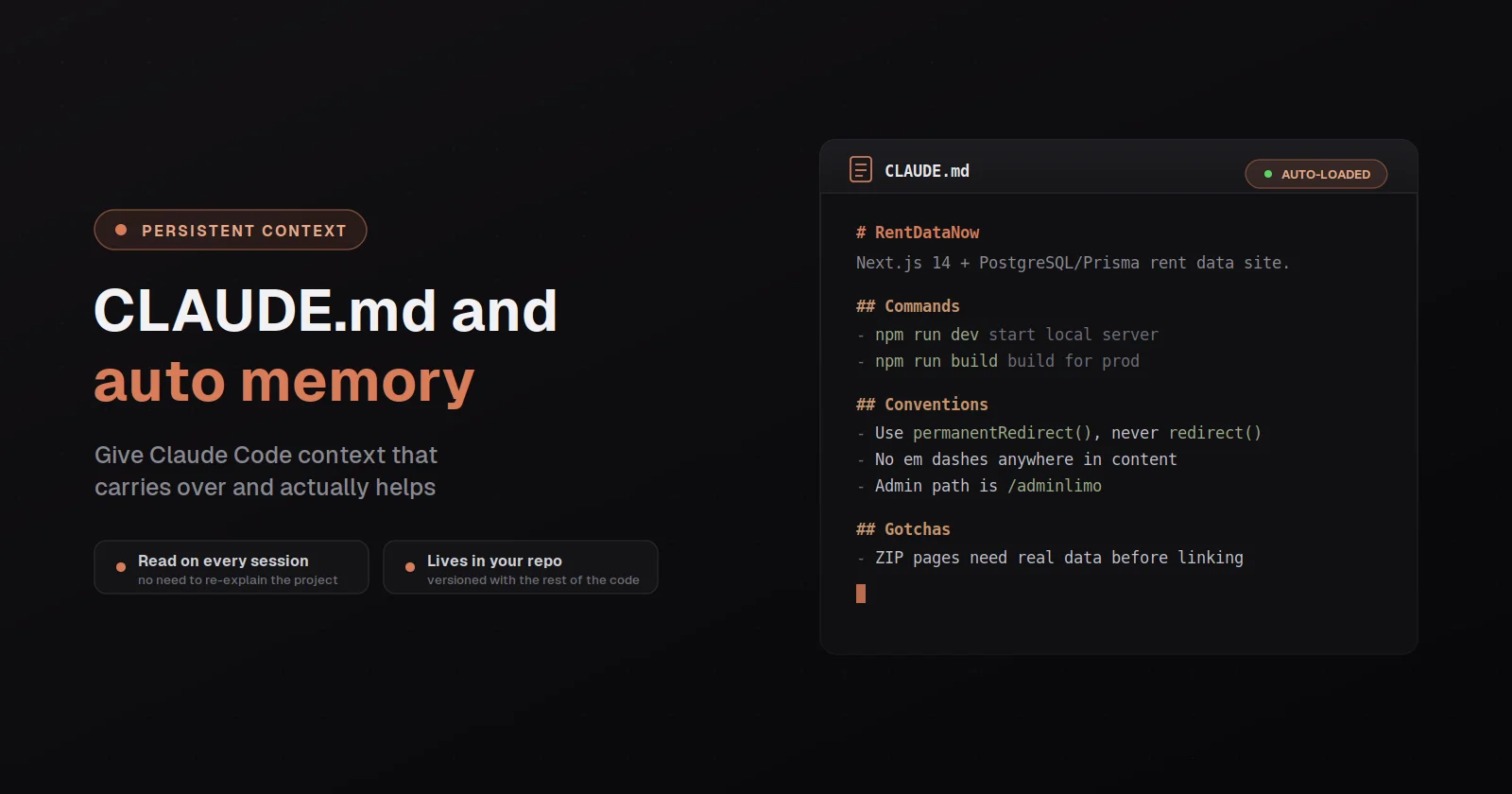
The single highest-leverage file in any Claude Code project is CLAUDE.md, and one of the most common things I watch users get wrong is writing it the way they'd write documentation for a human reader rather than the way it's actually used. The tool loads CLAUDE.md into the context window at the start of every session, where every line you put in it costs tokens that come out of the budget for your actual conversation, and where instructions in CLAUDE.md are delivered as a user message rather than as system-prompt rules, so the model is choosing whether to follow them rather than being forced to. Both of those constraints push in the same direction: the file should be small, specific, and ruthlessly focused on things the tool needs to know to do its job well, where every line earns its place by changing what the tool actually does.
The other thing worth understanding up front is that CLAUDE.md has gotten a sibling in the last few releases: auto memory, which is a separate system where the tool writes notes to itself across sessions about things it learns from your corrections, like build commands that worked, debugging insights, code style preferences it discovered. Both systems load at the start of every conversation but they serve different purposes, and the question of what goes in which is one of the more useful distinctions to get right early. Both are covered fully at code.claude.com/docs/en/memory and what follows is the working version of how to think about them.
What CLAUDE.md is actually for
The mental model that produces a good CLAUDE.md is to treat it as an operator manual for the tool rather than as documentation about the project. Everything in it should be something the tool needs to know in order to do its job well, and the good test for any individual line is to ask whether removing it would cause the tool to make a mistake it otherwise wouldn't. If the answer is no, the line probably belongs in a README somewhere else where humans will read it, rather than in CLAUDE.md where it's costing tokens on every session without changing the tool's behavior.
The kinds of things that pass that test and belong in CLAUDE.md are the build and test commands the tool would otherwise have to guess at, code style rules that differ from the language's defaults, repository etiquette like branch naming or commit message conventions, architectural decisions the tool wouldn't pick up by reading the code, environment quirks like "the database is on private IP 10.0.0.3 and SSH is key-only", and common gotchas where the obvious approach is wrong for non-obvious reasons. The Anthropic best-practices guide is explicit about what to include (Bash commands the tool can't guess, code style that differs from defaults, testing instructions, repo etiquette, architectural decisions, environment quirks, common gotchas) and what to exclude (anything the tool can figure out by reading the code, standard language conventions it already knows, detailed API documentation that should be linked instead, self-evident practices like "write clean code", file-by-file descriptions of the codebase).
The most common failure mode is the over-specified CLAUDE.md, where the file has grown long enough that important rules get lost in the noise and the tool stops following half of them because they're crowded out by lower-value content. The Anthropic docs suggest a target of under 200 lines per file, and the test of whether you've gone too long is whether the tool ignores rules you've written, where if it's not following something despite the instruction being clearly there, the file is probably too long and the rule is competing for attention with other lines that don't need to be there. The right move when this happens isn't to add more emphasis to the rule, it's to prune everything else.
Where CLAUDE.md files live, and what scope each one applies to
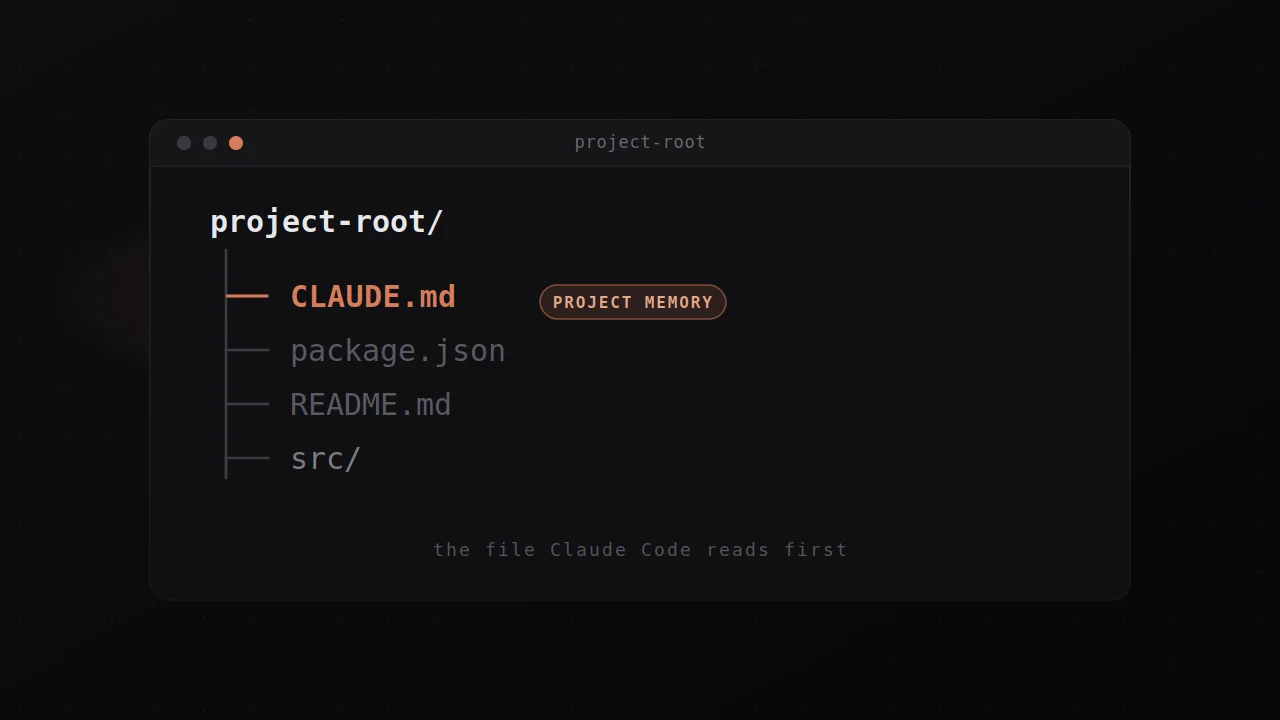
The tool reads CLAUDE.md from several locations, each with a different scope, where the files load in order from broadest to most specific so a project-level instruction appears in context after a user-level instruction. The locations worth knowing about are user instructions at ~/.claude/CLAUDE.md, which apply to every project on your machine and are the right place for personal preferences like "always use pnpm, not npm"; project instructions at ./CLAUDE.md or ./.claude/CLAUDE.md, which apply to the current repo and are checked into source control so the whole team gets the same context; and local instructions at ./CLAUDE.local.md, which are personal project-specific notes that you add to .gitignore so they don't ship to the team.
For organizations deploying the tool across many machines, there's also a managed policy CLAUDE.md at platform-specific paths (/Library/Application Support/ClaudeCode/CLAUDE.md on macOS, /etc/claude-code/CLAUDE.md on Linux and WSL, C:\Program Files\ClaudeCode\CLAUDE.md on Windows) that applies to every user on the machine and can't be excluded by individual settings. The managed version is what IT teams use to push organization-wide standards like security policies or compliance requirements, distributed via MDM or Group Policy or your configuration management of choice.
The tool walks up the directory tree from your current working directory, loading CLAUDE.md and CLAUDE.local.md from every directory along the way, and concatenating them into context with instructions closer to where you launched the tool appearing last. This means if you run the tool inside foo/bar/, it loads from foo/bar/CLAUDE.md, foo/CLAUDE.md, and any other ancestor that has one. For monorepos where ancestor CLAUDE.md files from other teams aren't relevant to your work, the claudeMdExcludes setting lets you skip them with glob patterns. Files in subdirectories below your working directory don't load at launch but load on demand when the tool reads files in those subdirectories, which is how nested package-specific instructions work cleanly in a monorepo.
Path-scoped rules with .claude/rules/
For larger projects, the right answer to a growing CLAUDE.md is usually to split topic-specific content into a .claude/rules/ directory rather than to keep cramming the main file. Each file in .claude/rules/ covers one topic with a descriptive name (testing.md, api-design.md, security.md), and the killer feature is path-scoped rules, where YAML frontmatter at the top of a file with a paths: field tells the tool to only load that rule when working with files matching the pattern.
The shape is straightforward:
---
paths:
- "src/api/**/*.ts"
---
# API Development Rules
- All API endpoints must include input validation
- Use the standard error response format
This rule only loads into context when the tool is working with files matching src/api/**/*.ts, which means the instruction is in scope when it's relevant and out of scope when it isn't, where the alternative of putting the same content in your top-level CLAUDE.md would have it loaded on every session for every file in the repo. The patterns support the standard glob shapes (**/*.ts for all TypeScript files, src/components/*.tsx for React components, brace expansion for multiple extensions), and rules without a paths: field load unconditionally like a regular section of CLAUDE.md.
Auto memory: what it is and what it isn't
The newer half of the memory system is auto memory, where the tool writes notes to itself during a session and reads them back at the start of every future session, accumulating knowledge about your project without you having to write anything. The notes go in ~/.claude/projects/<project>/memory/ as a MEMORY.md index plus optional topic-specific files (debugging.md, api-conventions.md), and you'll see "Writing memory" or "Recalled memory" in the interface when the tool is actively updating or reading from this directory.
The distinction worth holding is that CLAUDE.md is what you write to tell the tool how to work on your project, while auto memory is what the tool writes to itself based on what it learns from your corrections, where CLAUDE.md is for stable rules and conventions and auto memory is for build commands it figured out, debugging insights it accumulated, and preferences it picked up from how you've responded to its work. The first 200 lines of MEMORY.md (or the first 25KB) are loaded at the start of every session, and topic-specific files are loaded on demand when the tool decides they're relevant.
You can audit and edit auto memory by running /memory in a session, which lists every CLAUDE.md, CLAUDE.local.md, and rules file currently loaded, plus a link to the auto memory folder. Everything in the auto memory folder is plain markdown you can edit or delete directly. When you tell the tool to remember something during a conversation ("always use pnpm, not npm"), it usually saves to auto memory; if you want the instruction in CLAUDE.md instead, ask explicitly ("add this to CLAUDE.md"). Auto memory can be disabled by toggling it in /memory, by setting autoMemoryEnabled: false in your project settings, or by setting the CLAUDE_CODE_DISABLE_AUTO_MEMORY=1 environment variable.
Auto memory requires Claude Code v2.1.59 or later. Check your version with claude --version if you're not seeing the memory commands behaving the way they're documented.
The /init command and how to start a CLAUDE.md from scratch
The right move when starting CLAUDE.md on a new project is to run /init inside the project, which has the tool analyze your codebase and generate a starter file with the build commands, test instructions, and project conventions it could discover on its own. This is a much better starting point than a blank file, because the tool surfaces things you'd otherwise have to remember to write down (the existence of a specific test command, the structure of the source tree, the linting setup), and it's a much better starting point than writing from scratch because you won't be tempted to include everything you can think of.
If the project already has an AGENTS.md file (which other coding agents like OpenAI Codex read), the tool reads it and incorporates the relevant parts into the generated CLAUDE.md rather than ignoring it, and you can also reference AGENTS.md from CLAUDE.md directly with @AGENTS.md so both tools read the same instructions without you having to duplicate content.
For larger setups where you want a multi-phase interactive init that asks questions and proposes a reviewable plan rather than just writing the file, set CLAUDE_CODE_NEW_INIT=1 before running /init, which switches to an interactive flow that asks which artifacts to set up (CLAUDE.md, skills, hooks), explores the codebase with a subagent, fills in gaps via follow-up questions, and presents a reviewable proposal before writing any files.
The instructions that actually work
The shape of an instruction matters as much as its content, where vague instructions get followed inconsistently and specific instructions get followed reliably. The Anthropic docs give the canonical examples: "Use 2-space indentation" works better than "format code properly"; "Run npm test before committing" works better than "test your changes"; "API handlers live in src/api/handlers/" works better than "keep files organized." The pattern across all three is that the good version is concrete enough to verify and the bad version is concrete enough to argue about.
Consistency matters too, where if two rules in your CLAUDE.md contradict each other the tool may pick one arbitrarily, and the right move is to review the file periodically and remove the outdated or conflicting lines. You can tune adherence on specific instructions by adding emphasis ("IMPORTANT" or "YOU MUST") to lines that need to be followed more reliably, but if you find yourself needing to add emphasis to many lines that's a signal the file is too long and the lines are competing rather than that any individual line needs more weight.
The other thing worth knowing is that CLAUDE.md survives the /compact context-compaction process automatically (the tool re-reads it from disk after compaction and re-injects it into the session), so instructions in the file stay in scope even across long sessions where most of the conversation gets summarized. Nested CLAUDE.md files in subdirectories don't reload automatically after compaction, they reload the next time the tool reads a file in that subdirectory, so if an instruction disappeared after compaction the cause is usually either that it was given only in conversation rather than written to CLAUDE.md, or that it lives in a nested file that hasn't reloaded yet.
The bigger picture
The reason CLAUDE.md is worth investing in early rather than treating as an afterthought is that the same instructions you'd otherwise re-explain to the tool every session compound across all of them when you write them down once, where every line in CLAUDE.md is a turn of conversation you didn't have to have. The cost of writing the file well is one focused hour on day one, and the cost of writing it poorly or not at all is the cumulative friction of explaining the same things over and over for the next year of sessions.
The other piece of the bigger picture is that the combination of CLAUDE.md for stable rules and auto memory for accumulated learnings genuinely changes what the tool can do for you, where the longer you use it on a given project the better it gets at that project specifically, both because you've been refining the instructions and because the tool has been writing down what it learned. Treat the file like code: review it when things go wrong, prune it regularly, test changes by observing whether the tool's behavior actually shifts. The investment pays off in every session that comes after.