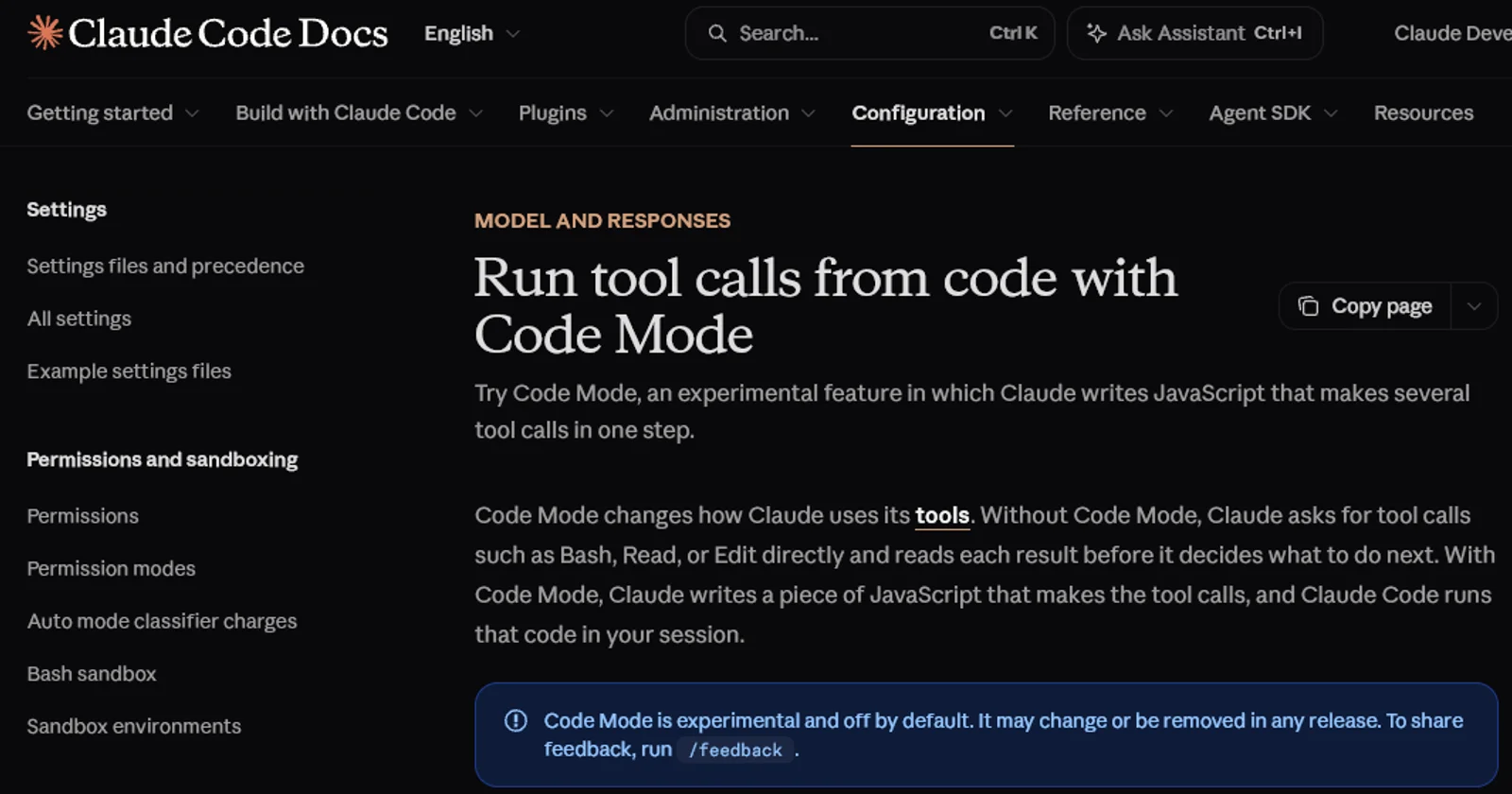
Code Mode is a new, experimental way for Claude Code to use its tools. Anthropic's @ClaudeDevs account announced it on November 17, 2026, saying that "Claude writes scripts that chain your tools together" and can keep answering you while long commands run. You turn it on by starting Claude Code with CLAUDE_CODE_EXPERIMENTAL_CODE_MODE=1.
The change is in how Claude takes action. Normally, Claude asks for one tool call at a time. It runs a search, reads the whole result, decides what to do, then asks to read a file, reads that, and so on. In Code Mode, Claude writes a short JavaScript program that makes those calls itself, and Claude Code runs the program in your session. The Code Mode docs give the example of raising a retry limit: one piece of code finds the right file with a search, changes maxAttempts from 3 to 5, runs the matching tests, and hands Claude back only the file name and the test output.
You still see the tool calls in the conversation, like the diff from that edit. The code itself is hidden by default. Press Ctrl+O to open the transcript viewer, where each program shows up as a collapsed Code row you can expand.
The whole point is fewer round trips and less clutter in Claude's context. One program can run several commands at the same time, feed the result of one into the next, and filter a long output down to the part that matters before Claude ever reads it. Anthropic's engineering team made this case for MCP tools in November 2025. In one example, having the agent load only the tool definitions it needed through code cut token use from 150,000 to 2,000. That's a 98.7% drop, since (150,000 - 2,000) / 150,000 = 0.987. That number came from an MCP example, though, and the Code Mode docs don't publish a savings figure of their own. Cloudflare, which used the name Code Mode for the same idea in September 2025, put it more bluntly: "LLMs are better at writing code to call MCP, than at calling MCP directly." Our explainer on what MCP actually is covers the tools side.
The second benefit is waiting less. In the regular setup, Claude waits for the code to finish, and it stops after ten minutes. If you start the session in auto mode or bypassPermissions mode, code can keep running in the background for up to two hours while you go on talking to Claude.
When to turn it on, and what you give up in return
Anthropic suggests trying it on tasks that take many related tool calls: a change that repeats across lots of files, a search whose results need filtering before Claude reads them, or several commands that can run at once. A good first test from the docs is asking Claude to check every Markdown file in a project for links to local files that don't exist. Then press Ctrl+O and read the code it wrote.
To turn it on, set the variable in your shell, or add it to the env block in ~/.claude/settings.json to use it in every new session. Claude Code asks you to confirm the first time, restarts, and shows a line saying Code Mode is on. A project's own settings file can't switch it on, so a repository you clone can't opt you in. Setting the variable to 0 turns it off, and a 0 wins over a 1 set somewhere else. Companies can block it for everyone through managed settings.
The list of requirements is long for now:
- Claude Code v2.1.323 or later, the native build, in an interactive terminal session. It doesn't work in the Desktop app, the VS Code panel, cloud sessions, the Agent SDK, or with
-p. - Opus 5.5, Sonnet 5.5, Haiku 5.5, or Fable 5.2, on a Claude subscription or Console account. It won't run through Amazon Bedrock, other cloud providers, or a gateway.
- On Windows, Git for Windows has to be installed.
- Some settings stop it from starting, including an API key helper, OpenTelemetry export, and
DISABLE_TELEMETRY.
There are trade-offs once you're in. A Code Mode session can only be resumed in the terminal with Code Mode still on, and Claude Code refuses to resume it otherwise. You also lose Remote Control, Claude in Chrome, and computer use, and you can't move the session to the Desktop app or turn it into a background session.
The permission change matters most. Every tool call inside the code still goes through your deny and ask rules and your PreToolUse hooks under its usual name, such as Bash. In auto mode, though, the safety classifier reviews each program as a whole instead of each tool call, and it can't see values the code works out while it runs, like a file path pulled from search results. The docs' advice is to keep rules or hooks for any call you must control. Hooks need care too, because a git push inside a folder can reach your hook as cd 'app' && git push. Our guide to how allow and deny rules match explains why rules that match command text have gaps.
So who should flip the switch? If you work in the terminal and often watch Claude grind through dozens of searches and reads one at a time, try it on a repo you know well, with a deny rule for anything you'd never want run. If you live in the Desktop app, you'll have to wait. Anthropic calls Code Mode experimental and says it could change or disappear in any release, and it asks for feedback through /feedback.
Sources
ClaudeDevs on X - November 17, 2026 announcement of Code Mode and the opt-in variable.
Claude Code docs: Run tool calls from code with Code Mode - How Code Mode works, the retry-limit example, good use cases, requirements, setup, permissions, long-running code, and limits.
Anthropic Engineering: Code execution with MCP - November 4, 2025. Why agents that call tools through code use fewer tokens, and the 150,000 to 2,000 token example.
Cloudflare: Code Mode, the better way to use MCP - September 26, 2025. The original Code Mode idea of having models write code that calls tools.