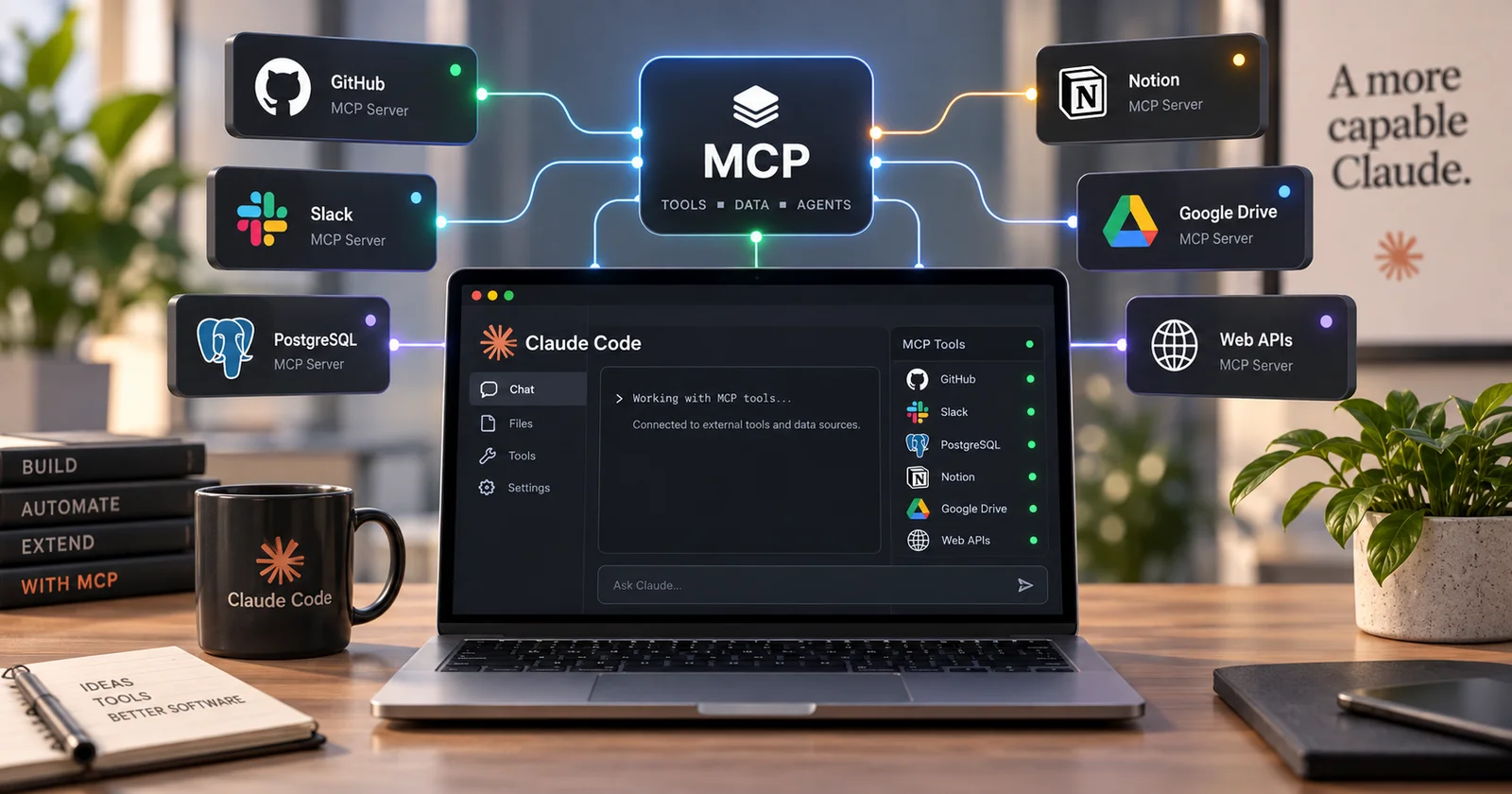
Every few weeks someone asks what MCP actually is, usually after finding a list of servers they're apparently supposed to install. The short version is that the Model Context Protocol is an open standard that lets Claude Code connect to outside tools, databases, and APIs. An MCP server is the piece in the middle that exposes something like your issue tracker, database, or payments account as tools Claude can use.
MCP is genuinely useful, but it is also one of the easiest parts of a Claude Code setup to overdo. Every server adds another connection, another set of permissions, and another thing that can break. So the useful question is not how many MCP servers you can add, but which ones are actually worth giving Claude access to.
Three scopes, and picking the wrong one is the usual mistake
When you add a server you choose where the configuration lives, and that choice decides who else gets it.
Local is the default. A local-scoped server loads only in the project where you added it and stays private to you:
claude mcp add --transport http stripe https://mcp.stripe.comUser scope puts it in ~/.claude.json and makes it available across every project on your machine, still private to you. That's where a server you always want belongs:
claude mcp add --transport http hubspot --scope user https://mcp.hubspot.com/anthropicProject scope writes a .mcp.json file at the project root, which you commit, so your whole team gets the same servers. Claude Code prompts for approval in interactive sessions before using project-scoped servers from .mcp.json, which matters, because a committed config is a file any contributor can edit.
Servers connect over stdio for local processes, or HTTP and SSE for remote ones. Stdio means Claude Code launches a command on your machine:
claude mcp add --transport stdio airtable -- npx -y airtable-mcp-serverRead that line as what it is. You're telling your agent to run a package from the internet on your computer, with your files in reach.
The cost you don't see is context
Tool definitions live in your context window, and a pile of servers is a pile of schemas.
Claude Code handles this by deferring. MCP tool names load so Claude knows what exists, while the full schemas stay deferred and get loaded on demand when a task needs them. You can change that with ENABLE_TOOL_SEARCH=auto, which loads schemas upfront when they fit within 10 percent of the window, or ENABLE_TOOL_SEARCH=false, which loads everything.
Leave it on the default. The reason people used to complain that MCP servers ate their window is that everything loaded whether or not it was relevant, and the deferred approach is strictly better for anyone with more than a couple of servers installed.
Each server is a new place untrusted text gets in
The docs put the warning plainly: only connect servers you trust, because anything that pulls in outside content can also bring prompt injection with it.
That matters more as the server list grows. Prompt injection works by getting text in front of your agent, and an MCP server that reads issues, email, web pages, or database rows is another path for untrusted text to enter the session. Anthropic reviews connectors before listing them in its directory, but being listed is not the same thing as saying a server is safe for every use or should have access to everything in your account. it does not security-audit or manage MCP servers. The advice in the docs is to write your own or use ones from providers you trust.
How I decide whether to add one. Does it save real work, or does it just sound impressive in a setup post? Can I name the maintainer? Does it need write access, since read-only is a much smaller blast radius? And is it scoped correctly? Because a server in user scope is live in every project including ones where it has no business. Two servers you actually use beat twelve you configured just once.
Sources
Claude Code docs: MCP - MCP as an open standard for AI-tool integrations, the local, project, and user scopes with their commands and storage locations, the .mcp.json project file and its interactive approval prompt, stdio, HTTP, and SSE transports, the warning to verify trust in each server because servers fetching external content can expose you to prompt injection, and the note that Anthropic reviews directory listings but does not security-audit MCP servers.
Claude Code docs: Explore the context window - MCP tool names loading at startup with full schemas deferred until needed, and the ENABLE_TOOL_SEARCH settings for loading schemas upfront or all at once.