Claude artifacts can now be installed as desktop apps on Mac and Windows. Anthropic's @ClaudeDevs X account announced it on November 24, 2026: ask Claude to build an artifact, click "Install as app," and open it like any other app. It can use your connectors and, if you allow it, send notifications or add a menu bar item.
What is an artifact?
An artifact is the interactive page Claude makes when a plain text answer isn't enough, like a chart, a dashboard, a calculator, or a small tool you click around in and can test or try things out. Claude Code can publish them too, and its docs describe each one as a live page you can keep private, share with your organization, or put on a public link. Each is a single self-contained page with no backend server behind it. Anthropic's launch article says artifacts started as work you'd hand to someone, and people now keep them as everyday tools, like a meeting prep page that pulls from their calendar and email, or a tracker for the orders that need to ship that day.
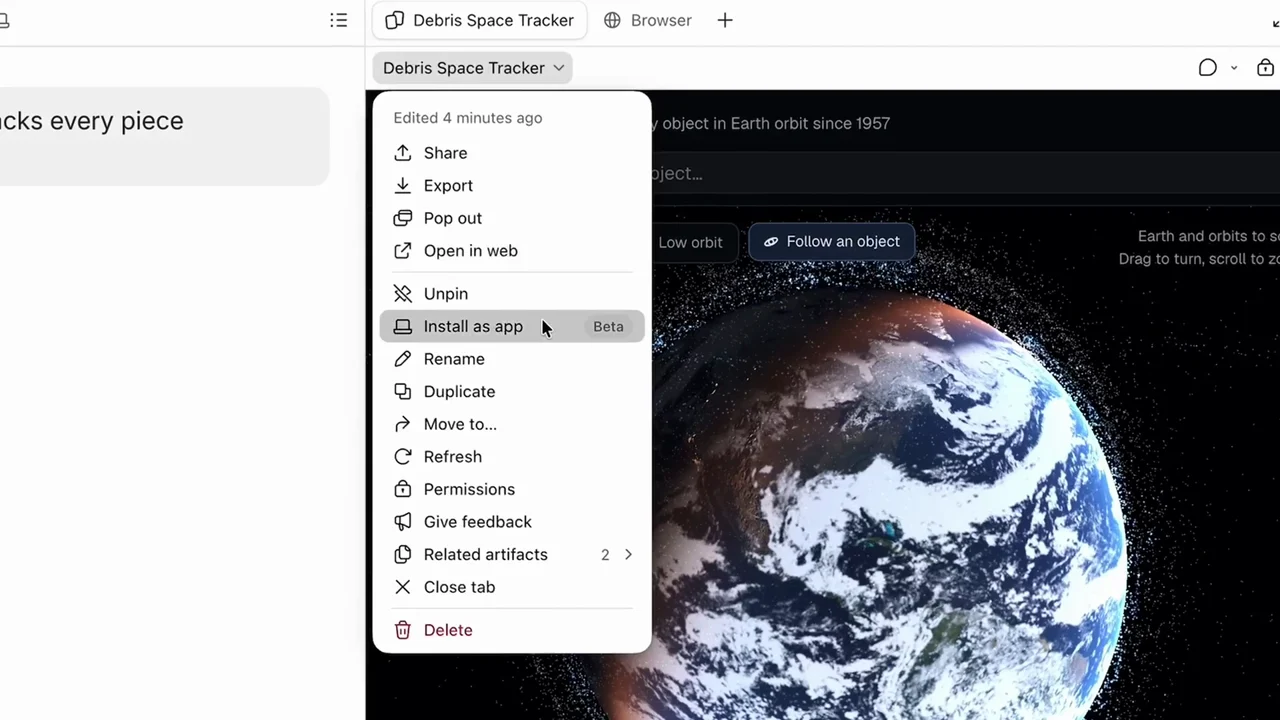
What changes when you install one
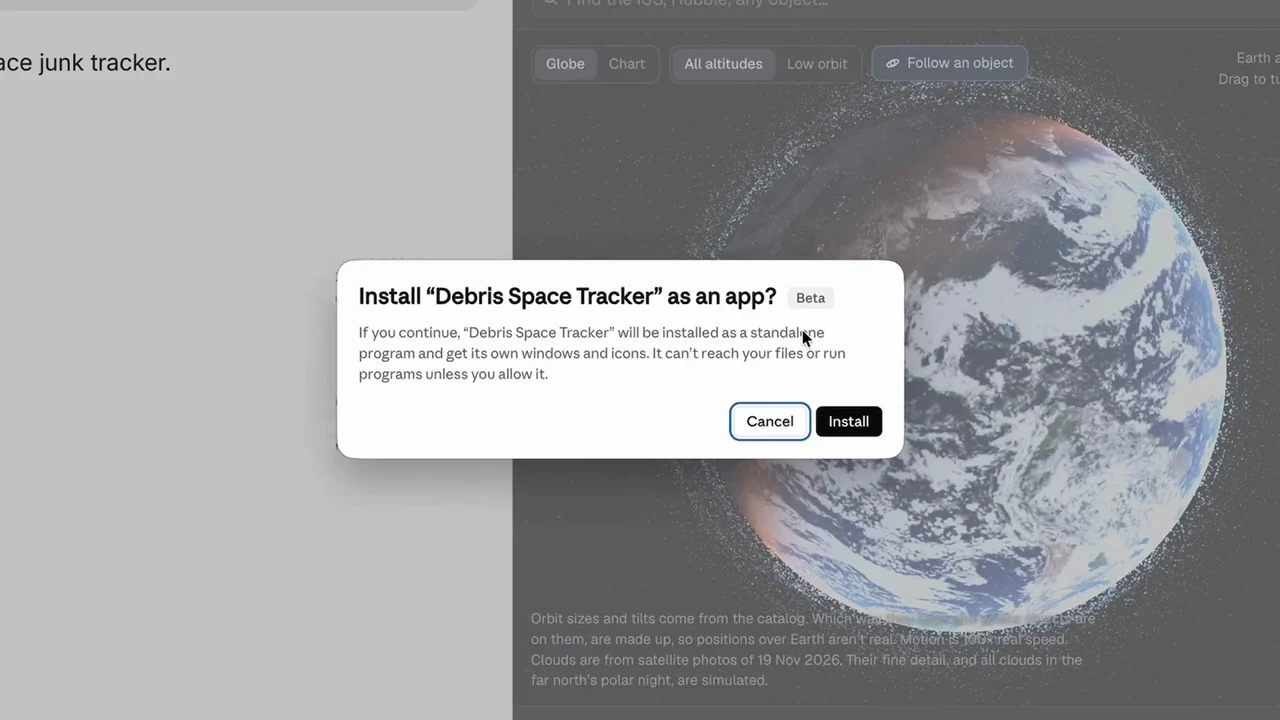
An installed artifact gets its own icon and opens in its own window instead of inside Claude. It can still call Claude and your connectors, and it updates itself whenever the artifact behind it is edited. You don't package or sign anything, and since the app runs on your Claude account, there's no API key or separate login. Requests the app makes to Claude count toward your plan's usage limits.
Apps can also do things a browser tab can't, if you let them. Each app has one of three permission levels:
- Default: the app can only do what it could do in a browser.
- App permissions: it can ask for features Claude keeps on a short leash, like always-on-top windows, global keyboard shortcuts, and notifications.
- Full computer access: it can ask to run programs and read, change, or delete your files without checking with you each time.
Your approval covers only the current version, so Claude asks again after every update, including your own edits. Anthropic adds one catch: if part of an app loads from another website, that part can change without Claude asking you again. You can only give full access to apps you made, or on Team and Enterprise plans, apps made by people in your organization. Anthropic doesn't review apps before you install them, so it says to give full access only to apps you trust.
Anthropic's own staff have built a layered image editor called Linnet, a file manager called Phosphor, a folder organizer called Sift that uses Claude to sort your files by rules, a terminal with Claude alongside called Tern, and a menu bar and tray app called Vitals for checking your computer's performance. Those are bigger than most people will build, but they show how far a single artifact can go.
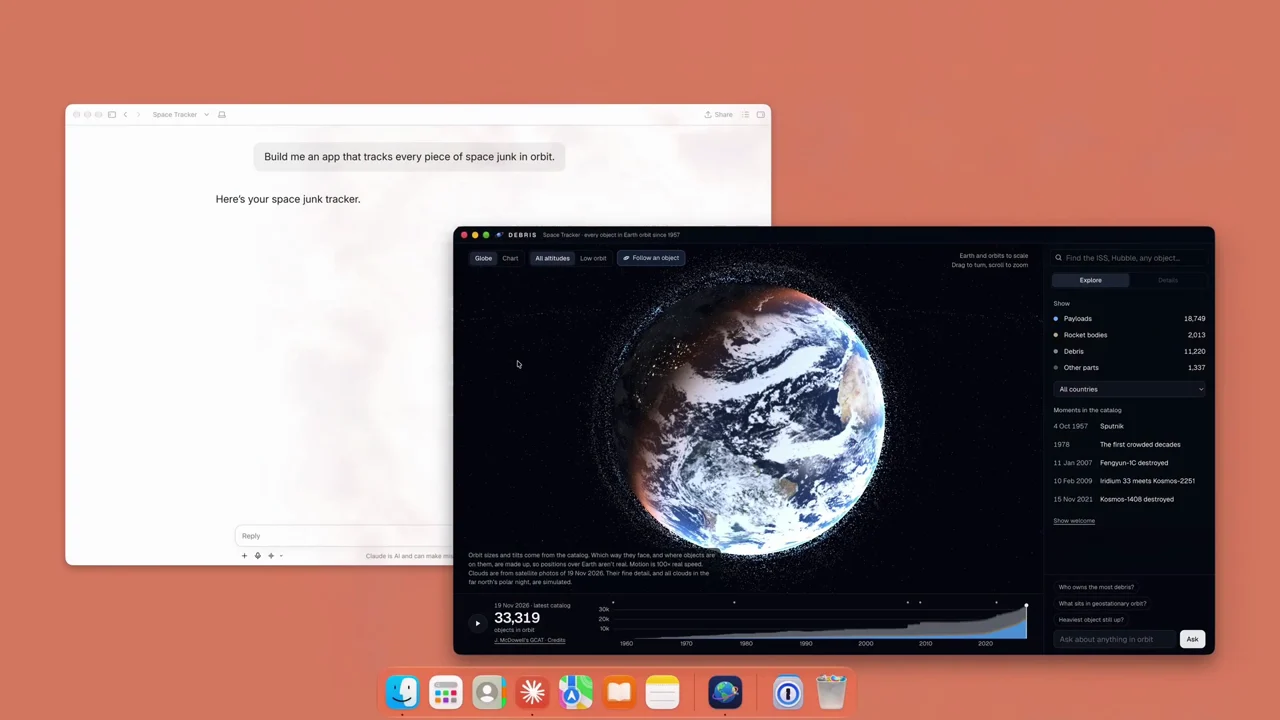
So why even bother? If you already have an artifact you open every day, installing it mostly saves you from digging through old chats to find it. The bigger change is that a tool can now reach you. A tracker can send a notification when an order is late, and a status monitor can live in your menu bar or system tray instead of a browser tab you forgot about. Getting there used to mean packaging an app, signing it, and building an updater. Here, the artifact is the app, and editing the artifact updates the app.
It also changes who can make software. Someone who has never written a line of code can describe a tool, try it as an artifact, and have it on their dock, which is the shift we wrote about in what happens when everyone makes their own software. Sharing works too, so a small team can pass around tools nobody had to deploy.
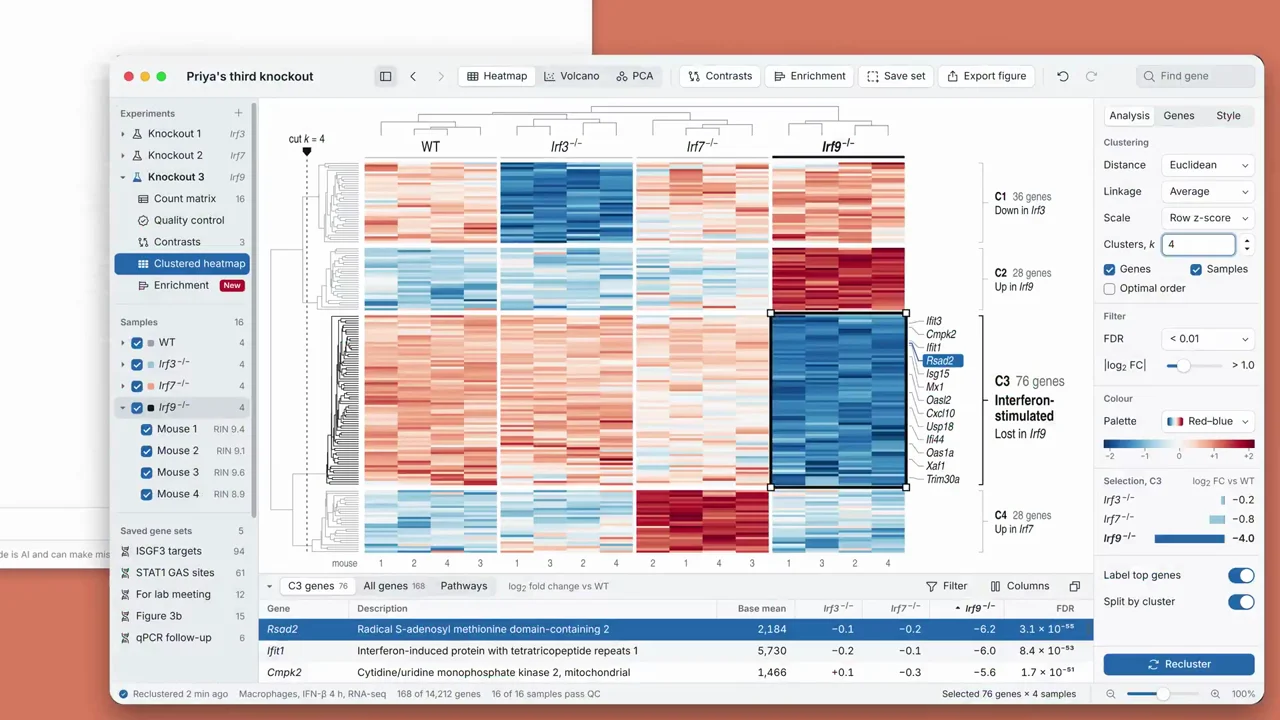
A few limits apply while it's in beta. Install as app is rolling out on all plans in Claude for Mac and Windows, and HIPAA-ready organizations and hybrid deployments can't use it. It's on by default for Team plans with full access turned off, and off on Enterprise until an Owner turns it on. You have to be online and signed in to Claude to open an app, and some artifacts can't be installed at all, including Claude Docs, Slides, and Sheets. To try it, update Claude for Mac or Windows, open an artifact you use every day, and pick Install as app from the Share menu.
Sources
ClaudeDevs on X - November 24, 2026 announcement of installing artifacts as desktop apps, and the video the images here come from.
Claude: Turn artifacts into Mac and Windows apps - November 24, 2026. What installed apps can do, the three permission levels, Anthropic's example apps, plan availability, and limits.
Claude Code docs: Share session output as artifacts - What an artifact is, sharing options, and the single-page, no-backend limit.