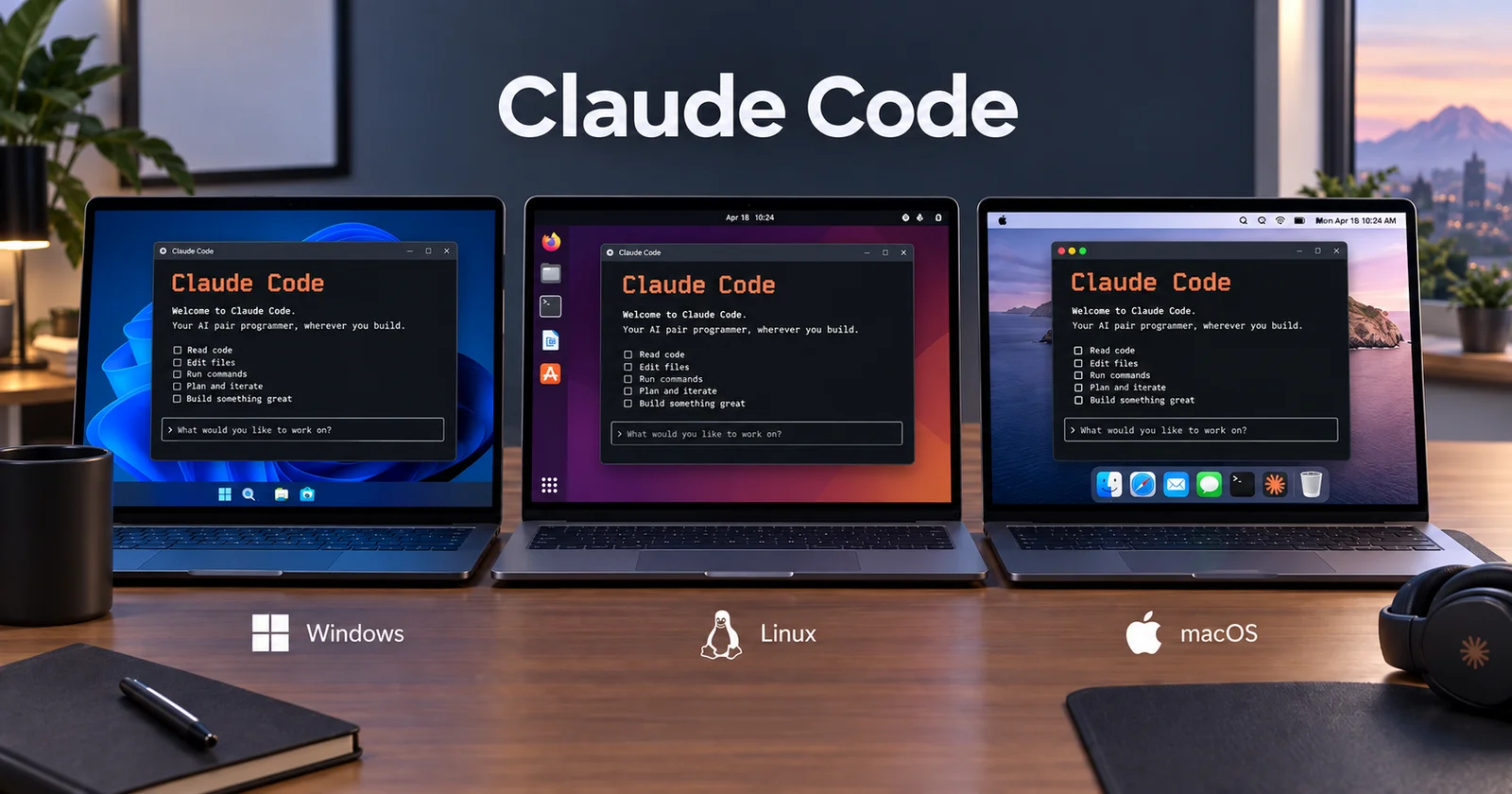
Does it matter which operating system you run Claude Code on? Mostly no. It works on Windows, macOS, and Linux, and the day-to-day experience is close to identical.
There are four real differences, though, and three of them can cost you a lot of time if you don't know about them.
Windows needs one extra install
On Windows, Claude Code's Bash tool depends on Git Bash, which arrives with Git for Windows. Without it you get a message asking for Git for Windows or PowerShell 7, and Claude Code falls back to its PowerShell tool instead.
Install Git for Windows. It takes two minutes and it's what makes the Bash tool available, which matters because most instructions, scripts, and examples you'll copy from anywhere assume a Unix shell. If you already have it and Claude Code still can't find it, point at the binary in settings.json:
{
  "env": {
    "CLAUDE_CODE_GIT_BASH_PATH": "C:\\Program Files\\Git\\bin\\bash.exe"
  }
}
Which Windows shell to use after that is a whole decision of its own, and worth reading before you pick.
Case sensitivity is the bug that crosses the border
This one catches people who develop on Windows or macOS and deploy to Linux, which is most people.
Windows and macOS treat Button.tsx and button.tsx as the same file. Linux does not. So an import written with the wrong capitalization works perfectly on your machine and fails in your build with a module-not-found error that reads like a missing dependency.
An agent generating imports across a few dozen files will eventually get a capital letter wrong, and your local machine will hide it. If you build on Linux, and you almost certainly do, this is worth knowing before it happens rather than after.
Credentials and sandboxing differ underneath
Two platform differences that are invisible until they matter.
Credential storage: API keys and tokens go in the macOS Keychain when it's available, and are protected by file permissions on Windows and Linux. Same secrets, different guarantees, and on a shared or poorly configured machine that gap is real.
Isolation: if you want to run untrusted repositories inside a sandbox, or use dev containers, the tooling is smoother on Linux and macOS than on Windows. That's a normal state of affairs for container tooling and not specific to Claude Code, but it's the reason a lot of Windows users end up in WSL2 for agent work.
One Windows-specific warning from the docs, worth repeating because it's obscure: avoid enabling WebDAV or letting Claude Code access paths like \\* that may contain WebDAV subdirectories, since that can trigger network requests to remote hosts and bypass the permission system.
What I'd tell someone choosing
Use what you already own. The install differences are a few minutes, and none of the four items above is a reason to buy hardware.
If you're on Windows and doing serious agent work, install Git for Windows on day one, and consider WSL2 once the container and sandbox friction starts annoying you. If you're on macOS or Linux, there's nothing to do; the Unix assumptions in every tutorial already match your machine.
The thing that actually varies your experience is not the OS. It's whether you develop and deploy on the same kind of system, because every difference on this list is really a difference between your laptop and your server.
Sources
Claude Code docs: Security - API keys and tokens stored in the macOS Keychain when available and protected by file permissions on Windows and Linux, dev containers for additional isolation, sandboxing for filesystem and network isolation, and the Windows WebDAV warning about network requests bypassing the permission system.