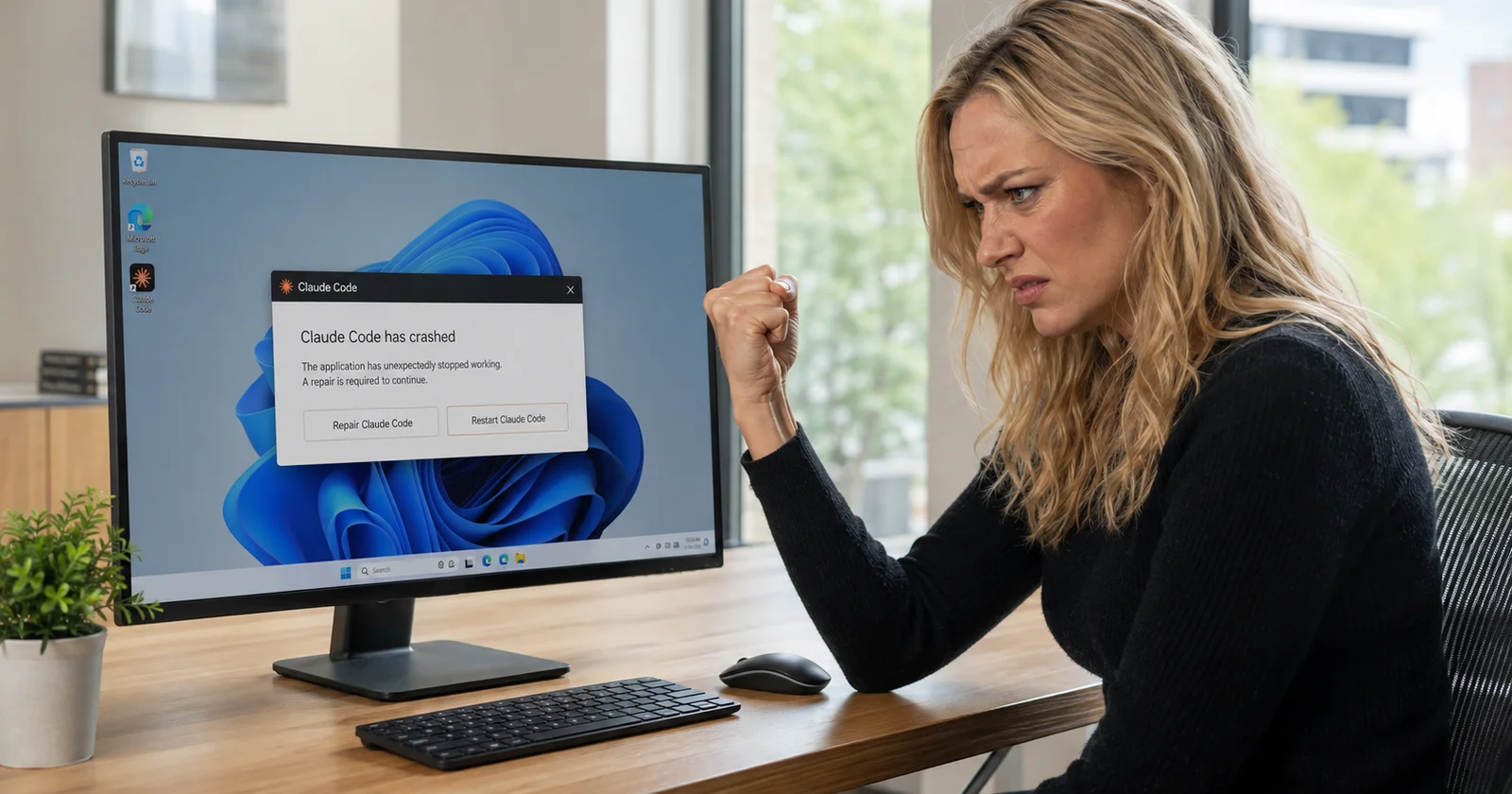
After writing up the file-lock crash in the Claude desktop app, I went through the Claude Code issue tracker to see what else takes the Windows app down. There seems to be many issues that Windows users are experiencing.
Each one starts with the line you'll find in %APPDATA%\Claude\logs\main.log, then what it means, then the fix that's shorter than Repair.
The GPU crash from the in-app browser
The signature:
GPU process gone: { type: 'GPU', reason: 'crashed', exitCode: 101457950, serviceName: 'GPU' }That exit code is 0x060C201E in hex, and in the reports it's identical every time. Just before it, in unknown-window.log, you'll usually see WebGL: CONTEXT_LOST_WEBGL: loseContext: context lost.
The trigger, per issue #80444, is opening a page in the in-app Browser tab that runs a WebGL capability probe, which is what bot-detection and fingerprinting scripts do. Cloudflare challenge pages, Akamai, that sort of thing. The crash lands 15 to 36 seconds after the tab opens.
The part that makes it a bug rather than a nuisance is what happens next. A GPU process crash is supposed to be recoverable; Chromium respawns the GPU process and carries on. Here it doesn't. Issue #81836 documents the main process going completely silent after that line, not even the periodic memory heartbeat, for eight to eighteen minutes until the next launch. A hang, not an exit. Same pattern as the file-lock crash: a recoverable failure treated as fatal.
Prevention is the only fix for this one, and there are two. Don't use the in-app browser on sites that run bot detection; use your real browser for those. Or launch the app with GPU acceleration off, which the MSIX package makes annoyingly hard, since there's no toggle in settings and the usual electron-flags.conf is ignored. The command that works from PowerShell, preserving the package identity:
Invoke-CommandInDesktopPackage -PackageFamilyName Claude_pzs8sxrjxfjjc -AppId Claude -Command 'app\Claude.exe' -Args '--disable-gpu'Users with DisplayLink USB display adapters report the crash more, and one reporter pinned the app to the real GPU under HKCU\Software\Microsoft\DirectX\UserGpuPreferences with the value Claude_pzs8sxrjxfjjc!Claude = GpuPreference=2;. Worth trying if you're on a docked laptop.
"This app can't open" and the repair that fails
This is the one that follows the GPU crash, and it's the reason people think their install is corrupt.
After the crash, Windows flags the package as modified. Check it with:
Get-AppxPackage *Claude* -AllUsers | fl Name,StatusIf Status says Modified, NeedsRemediation, the app will refuse to launch with "This app can't open. There is a problem with Claude." Windows then tries to self-repair and fails with 0x80073D02, which means the resources it needs to modify are in use.
They're in use because of a service. Issue #84992 traced it to CoworkVMService, the cowork-svc.exe process, which is set to auto-start and outlives the app, holding locks on package files. The reporter's key finding: the corruption is "only unrecoverable while cowork-svc.exe is alive." Stop it and Windows' own self-repair succeeds on the next launch in under half a second.
sc stop CoworkVMService
taskkill /f /im cowork-svc.exe
Then launch the app normally. No Repair, no reinstall. If you do end up in Settings > Apps > Claude > Repair anyway, kill that process first or the repair itself gets blocked by the same lock.
If you've read the file-lock post, notice it's the same bug twice with different names. An orphaned process from the last session holds a lock, the next step fails on the lock, and the failure is treated as fatal. chrome-native-host.exe in one case, cowork-svc.exe in the other. If you only remember one thing from both posts: before you Repair, open Task Manager and kill everything with Claude or cowork in the name.
A theory about why it keeps coming back
One third-party writeup argues the deeper cause is a bundled vk_swiftshader.dll that Windows Code Integrity refuses to load, citing Event ID 3033 ("did not meet the Microsoft signing level requirements") in the event log, and that this is why Repair never sticks: it resets the flag without removing the trigger. Their fix is to abandon the MSIX package for the older Squirrel-style installer that lives in %LOCALAPPDATA%, outside the container.
I'm reporting it, not endorsing it. I haven't reproduced the Code Integrity event, and their method includes blocking downloads.claude.ai in your hosts file to stop auto-update from putting the MSIX back, which also stops every future update. That's a bigger cost than the bug. If you're desperate enough to try it, check your event log for 3033 first so you at least know you have the problem they're describing.
The CLI freeze, which is a different animal
Not the desktop app, but it lands in the same searches. Issue #22970: the terminal UI renders completely, logo and prompt and all, and then keyboard input is dead. No characters, Ctrl+C does nothing. Reported across PowerShell, CMD and Windows Terminal on a native install.
There's no clean fix on record. What the thread and the wider community converge on: claude doctor runs more reliably than a full session, downgrading to the previous stable build sometimes helps, and WSL2 is where Windows users go when native gets flaky. A single broken MCP server entry can also stall startup entirely, so if it freezes before the prompt rather than after, check your MCP config before anything else.
Every one of these has a Windows Repair as the folk remedy. Every one of them has a faster answer in the log. The log is at %APPDATA%\Claude\logs\main.log, and the line right before the silence is the whole diagnosis.
Sources
anthropics/claude-code issue #80444 - GPU process crash with exit code 0x060C201E triggered by WebGL probes in the in-app Browser tab, the WebGL context-lost log lines, the package flagged Modified after each crash, and the --disable-gpu launch command via Invoke-CommandInDesktopPackage.
anthropics/claude-code issue #81836 - The main process hanging silently after the GPU crash instead of respawning the GPU process, with an 8.5 to 18 minute logging gap.
anthropics/claude-code issue #84992 - CoworkVMService holding package files after the crash, the 0x80073D02 auto-repair failure, the Modified, NeedsRemediation status, the finding that stopping cowork-svc.exe lets self-repair succeed, and the DisplayLink GPU preference workaround.
anthropics/claude-code issue #22970 - The Windows CLI freeze where the TUI renders but input is dead, across PowerShell, CMD and Windows Terminal.
wuweiai.io: Claude Desktop "This app can't open" on Windows - The third-party vk_swiftshader.dll Code Integrity theory, Event ID 3033, and the Squirrel-build workaround.