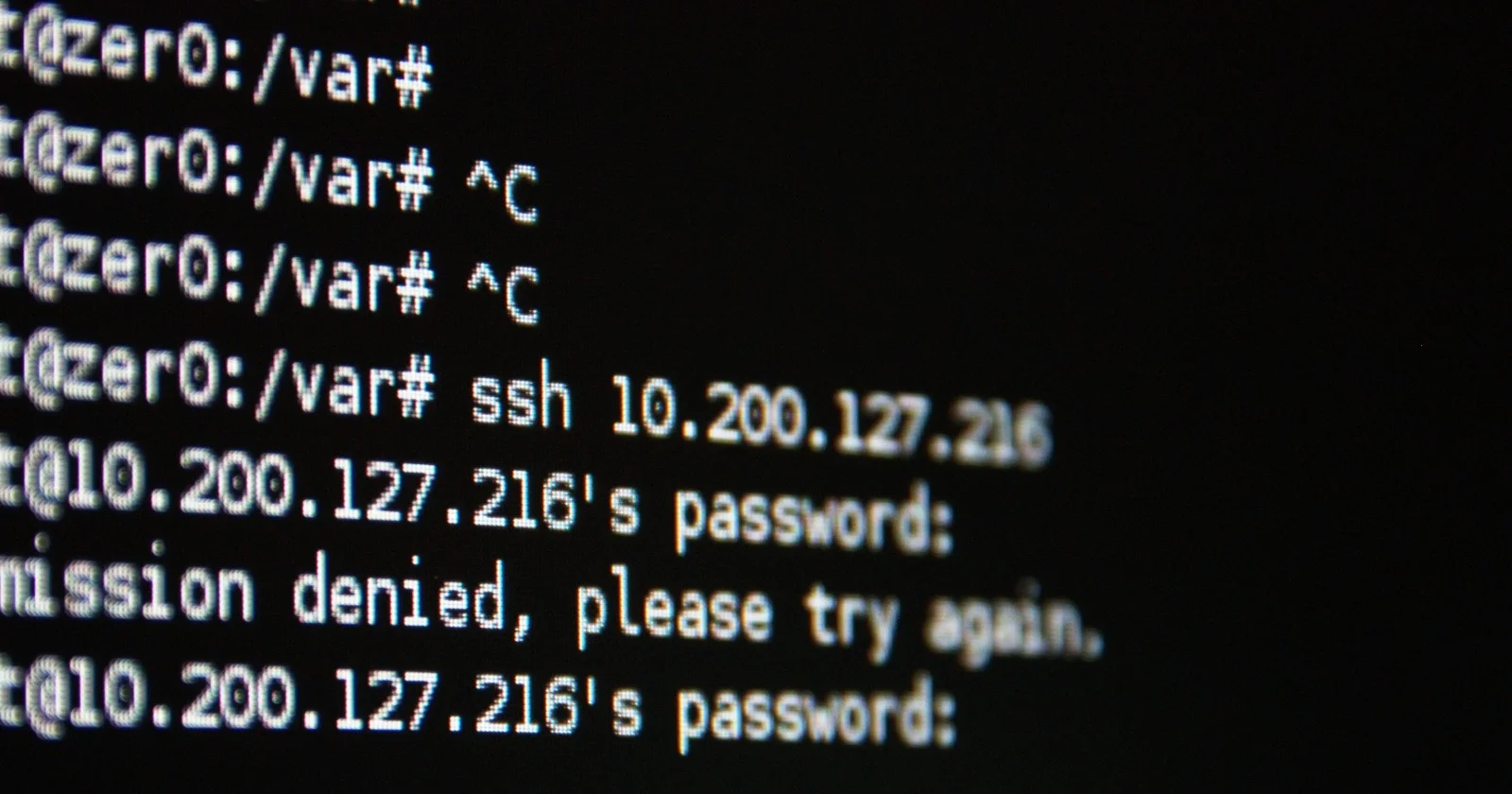
You start Claude Code on a server over SSH, give it a long job, close your laptop, and come back to find the session gone. That isn't a Claude Code bug. When an SSH connection drops, the shell on the server gets a hangup signal called SIGHUP, which the Linux signal manual describes as a hangup detected on the controlling terminal. The shell passes it along to the programs it started, and Claude Code exits like any other program would.
The fix is to run Claude Code somewhere that doesn't depend on your connection staying open. There are three good ways to do that, and the best setup combines two of them.
1. Run it inside tmux. tmux keeps a terminal session going on the server whether or not you're connected. Start a named session, then run Claude Code inside it:
tmux new -s claude
claude
When you want to leave, press Ctrl+B, then D, to detach. Claude keeps working. After you SSH back in, tmux attach -t claude puts you right back where you were. If tmux isn't installed, sudo apt install tmux adds it on Ubuntu and Debian, and the tmux getting-started guide covers the rest. screen works much the same way if that's what your server has. This is the most dependable option, because it works for any program and doesn't depend on which Claude Code version you're running.
2. Send the session to the background. Claude Code has background sessions built in now. From the shell, claude --bg "run the test suite and fix any failures" starts one. Inside a session that's already open, type /bg. Anthropic's docs say a separate supervisor process runs background sessions, so they keep working after you close your terminal. Run claude agents to see them all, and claude attach with a session's ID to jump back into one.
A few rules come with that. A session that has finished, or is waiting for your next message, gets stopped after about an hour with nobody attached, to free up resources. Its conversation stays on disk and picks up again when you attach or reply, and pinning a session with Ctrl+T in agent view keeps its process running. Shutting down or restarting the machine stops background sessions. The docs talk about closing your terminal, not SSH in particular, so for a job on a server where losing progress would really hurt, we'd still use tmux.
3. Steer it from your phone with Remote Control. claude rc is short for claude remote-control. It starts a session you can pick up from claude.ai/code or the Claude app on your phone, while Claude keeps running on the machine. You can also start a normal session with claude --rc, or type /rc in one that's already open. The Remote Control docs say it reconnects on its own if your laptop sleeps or your network drops.
Remote Control doesn't protect the process itself, though. The docs say it stays running in your terminal, so on a server it can still die with your SSH connection. That's why the combination works so well: start tmux, run claude --rc inside it, and detach. You can close the SSH window, check in from your phone at lunch, and reattach from your desk when you want the full terminal again.
Sources
Linux man-pages: signal(7) - What SIGHUP is and what triggers it.
tmux wiki: Getting Started - Creating, detaching from, and attaching to tmux sessions.
Claude Code docs: agent view and background sessions - claude --bg, /bg, claude agents, claude attach, the supervisor process, idle stops, pinning, and shutdown behavior.
Claude Code docs: Remote Control - claude remote-control and its rc alias, --rc, /rc, reconnecting after sleep or network drops, and the process staying in your terminal.