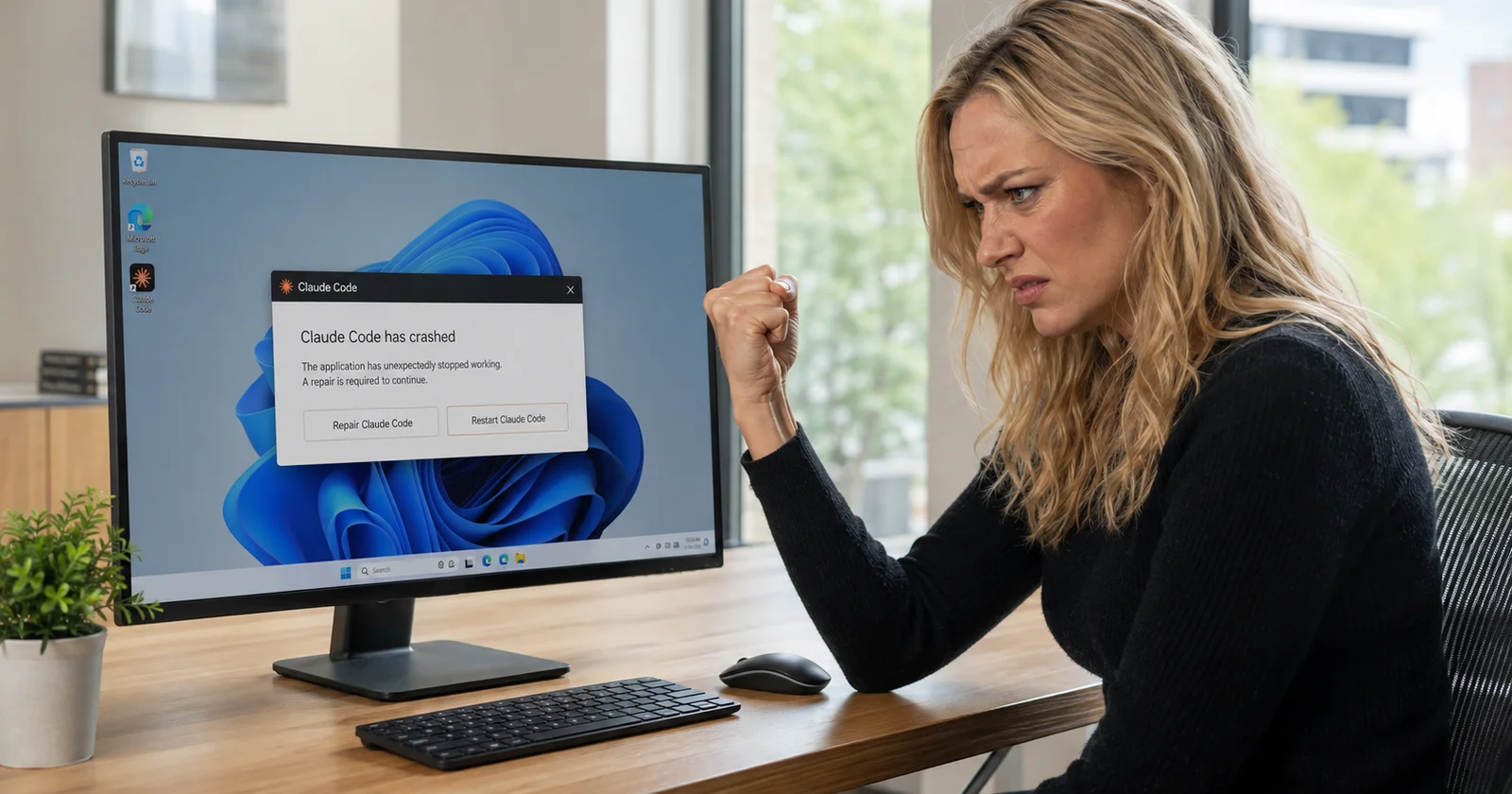
If the Claude Code desktop app on Windows keeps dying whenever you use the browser, and the only thing that brings it back is Windows app Repair, you are not fixing anything by simple repairing it. My Claude Code would keep crashing randomly when a session would use the built in browser in Claude Code and the only way to get it back up and running was through the repair in app settings.
The fix for me was one command:
taskkill /F /IM chrome-native-host.exeHere is what is actually happening.
What the log says
Open %APPDATA%\Claude\logs\main.log and look at the lines immediately before the crash. This is what I found:
[error] [Chrome Extension MCP] Failed to copy native host binary:
Error: EBUSY: resource busy or locked, copyfile
  path: ...\WindowsApps\Claude_<version>\app\resources\chrome-native-host.exe
  dest: ...\AppData\Roaming\Claude\ChromeNativeHost\chrome-native-host.exe
EBUSY means the destination file is locked. Something already has it open.
Check for yourself and you will usually find a chrome-native-host.exe process that has been running for hours, left over from an earlier session that did not shut down cleanly:
tasklist /FI "IMAGENAME eq chrome-native-host.exe"That orphan is holding a lock on its own executable. When the browser MCP starts up, the app tries to refresh that binary out of its installation package into your AppData folder, hits the lock, and treats the failed copy as fatal. The app goes down about a second later.
Why Repair appears to fix it
The desktop app is packaged as an MSIX, which means Windows runs it inside a package container and quietly redirects its writes. Anything the app writes to %APPDATA%\Claude\ actually lands under %LOCALAPPDATA%\Packages\Claude_<id>\LocalCache\Roaming\Claude\. Both paths point at the same file, which is why the Chrome native messaging manifest sitting next to the binary references a path that looks different from the one in the error.
Running Repair re-registers that package, and re-registering tears down the container the orphaned process lives in. So Repair does kill the orphan, and the app works again, and you conclude that the installation was broken. It was not and this same issue is going to happen again. Then you use the browser again, another orphan gets left behind, and you are back where you started. This fix mostly has to come from Anthropic though so these fixes are temporary.
The temporary fix, and how to know it worked
Kill the orphan:
taskkill /F /IM chrome-native-host.exeThat is enough on its own. You do not need to restart the app, because the copy runs when the browser MCP initializes, not only at startup. Open the browser again and it will succeed.
If you want to be thorough, delete the AppData copy after killing the process so a fresh one gets laid down:
del "%APPDATA%\Claude\ChromeNativeHost\chrome-native-host.exe"To confirm it worked, use the browser, then check that no new EBUSY line appeared in main.log and that the binary came back:
tasklist /FI "IMAGENAME eq chrome-native-host.exe"
dir "%APPDATA%\Claude\ChromeNativeHost\"
When I ran this, the copy succeeded without a restart, the binary reappeared matching the package source, and the session produced no errors at all.
The underlying bug is Anthropic's rather than yours. A failed file copy during startup should be logged and survived, especially when the existing copy is byte-identical to the one it was trying to write. Until Anthropic fixes this issue, killing the orphan takes a few seconds while the repair will take several minutes.