So you keep hearing about Claude Code and you're nodding along like you know what it is, but if you're being honest you don't totally get what the thing actually does. That's fine, the name doesn't really explain it and everybody online talks about it like you were born knowing. Let me just lay it out plain. No jargon dump, no assuming you already get it.
Short version: Claude Code is an AI coding agent that works directly on your actual software projects. It's not a chatbot that talks about code. It does the code. That one distinction is basically the whole thing, and once it clicks the rest makes sense. But let me actually unpack it, because the gap between an AI that talks about your code and an AI that goes in and works on it is way bigger than it sounds.
How it's different from the regular Claude
Most people first meet Claude through the chat window. You type a question, it types back. Ask it for code and it writes the code in the chat, then you copy it out and paste it into your project yourself. The chat has zero access to your actual files, can't run anything on your machine, and knows nothing about your project except what you paste in. It's a smart thing you talk to. The talking is the whole deal.
Claude Code is a completely different animal because it works straight on your real project. Instead of writing code in a chat box for you to copy out, it reads the actual files in your project, edits them directly, runs commands in your terminal, and handles multi-step tasks on its own. You tell it what you want, it goes and does it in your actual codebase instead of just telling you what you should do. It's the difference between asking a plumber how to fix your sink over the phone and having the plumber show up and fix the damn sink.
That's why people call it an agent and not an assistant. An assistant hands you info and advice and then you go do the thing. An agent does the thing. Claude Code reads your project to understand it, writes and edits code across a bunch of files, runs your tests, sees what broke, fixes it, and commits the result, all as one connected chain instead of a single reply. That right there, the actually-doing-multi-step-work-on-a-real-system part, is what makes it a totally different category than the chat window.
Where it runs
Claude Code mostly runs in your terminal, which is that text-based command line thing developers use to boss their computer around. You go to the folder with your project in it, fire up Claude Code, and you're talking to it right there in the terminal, typing what you want and watching it work. For devs this feels natural because they basically live in the terminal anyway, so having the AI agent sitting in the same place as the rest of their tools just fits.
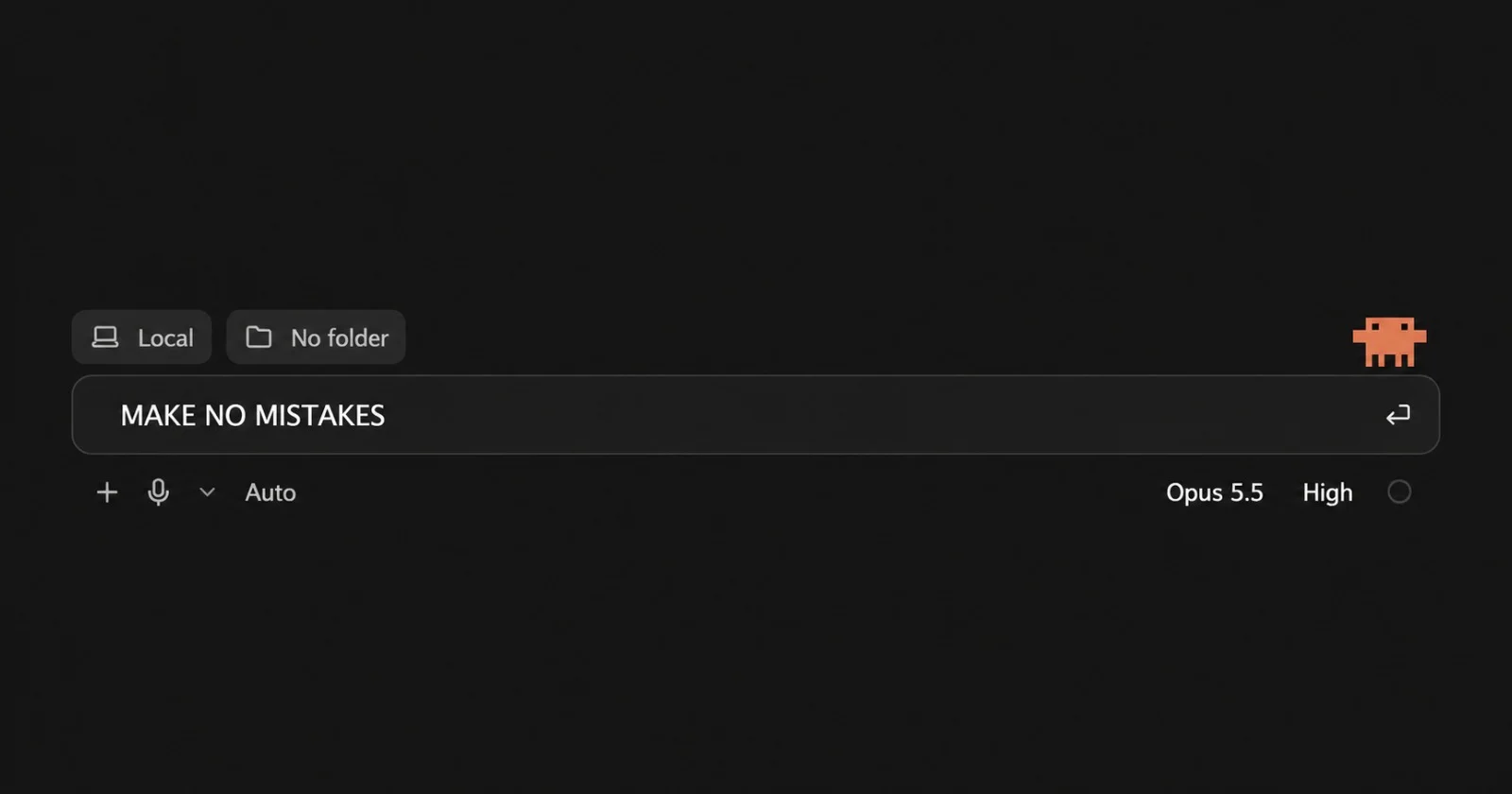
If "terminal" makes you a little queasy, good news. Claude Code also comes as a desktop app for Mac and Windows that gives you an actual graphical interface instead of the command line. This is a big deal for people who are building with Claude Code but aren't real developers, because it knocks down the scariest barrier. There are also editor extensions so it can live right inside the code editor you're already using. The terminal's the classic way, but it's not the only way anymore, and that desktop app especially has let a whole crowd of non-developers in who would've nope'd out at the sight of a command line.
What it actually does
Let me get concrete because the capabilities are the whole point. Claude Code can read and understand your existing codebase, which means it can work on projects it didn't build by just reading the files and figuring out how it all fits. It can write new code and edit existing code across a bunch of files at once, keeping everything coordinated in a way that'd be a giant pain to do by hand. And it can run commands in your terminal, so it can install dependencies, run builds, kick off your tests, all that.
The multi-step thing is where it gets genuinely impressive. Because it can run commands and actually see the results, it works in a loop. Makes a change, runs the tests, sees what failed, fixes it, runs them again, keeps grinding until the work's actually done. That loop used to need a human sitting there driving every single step, and Claude Code carries a big chunk of it on its own while you supervise instead of doing it all yourself. It handles version control stuff like commits too, so the work flows right into your normal process.
People use all this for the full spread of real dev work. Adding features, squashing bugs, cleaning up messy code, writing tests, migrating databases, building whole small projects from nothing, getting their head around some codebase they've never seen before. The thread tying it all together is that these are real changes to real projects, which is exactly what Claude Code is for and exactly what the chat window isn't.
The CLAUDE.md file thing
One thing you should at least know as a total noob (beginner) is the CLAUDE.md file, because it comes up in literally every Claude Code conversation. It's just a plain text file you drop in your project that tells Claude Code about the project, stuff like your tech stack, how things are structured, the conventions you follow, rules to keep in mind while it works. Claude Code reads it at the start of each session, so it carries that knowledge into everything without you having to re-explain your whole project every single time.
You don't need one to start, and you can use Claude Code fine without it at first. But once you're working on something seriously, having a CLAUDE.md makes a real difference in how well it gets your project and how consistently it sticks to your patterns. It's one of those things worth learning about once you're past the absolute basics, because it's a big part of what separates a smooth Claude Code experience from a frustrating one.
Who it's for
Obviously it's built for developers, and pro devs lean on it hard to move faster on real work. But here's the interesting part, it's also become a tool for people who aren't traditional developers at all. The solo founders and builders who use Claude Code to ship actual software even though they couldn't write all the code themselves. For that crowd, Claude Code isn't a nice productivity bump on top of skills they already have, it's the thing that makes building possible in the first place.
That range is wild when you think about it. Same tool serving a senior engineer who wants the tedious parts handled and a non-developer who's building something they never could've built alone. That's a hard balance to pull off and it's a huge part of why Claude Code spread so fast. It meets people wherever they're at and gives them something real, doesn't require you to already be an expert, but also doesn't cap out fast for the people who are.
So what is Claude Code, for real?
So what is Claude Code, for real. It's an AI coding agent that works directly on your actual projects, reading your files, writing and editing code, running commands, and carrying out multi-step dev tasks on its own instead of just answering questions about code. Runs in your terminal, in a desktop app, or inside your code editor, and it's used by everybody from pro devs speeding up their work to solo founders shipping software they couldn't have built otherwise.
Easiest way to hold it in your head is the contrast with the chat window. Chat is a thing you talk to about code. Claude Code is an agent that goes and does the work on your real codebase. Once that clicks, everything else you read about it makes more sense. And if you're trying to figure out whether it's worth trying, honestly the only way to really get the difference is to point it at a real project and watch it go, because the gap between talking about code and actually doing the work on a live system is one of those things you kind of have to see to believe.